Steps To Configure Your Power Panel Interface
At first, you have to log into your Virtuoso Power Panel (VZPP). Find the “configure”…

 Serena
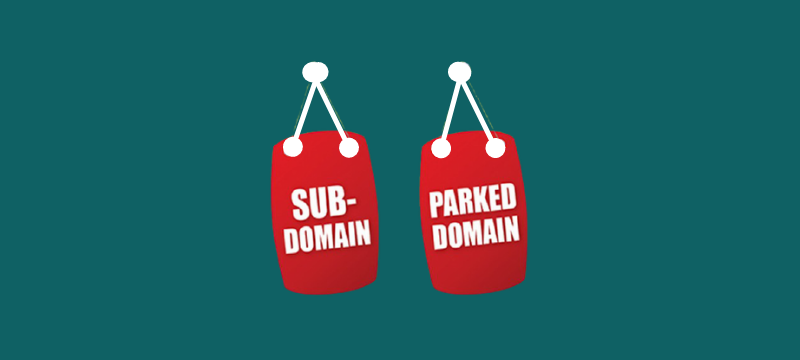
Let’s find out what Parked Domains and Subdomains are by using some examples in this article.
In simple words, a Parked domain is a domain name that is purchased but reserved for later use. There may be several reasons for parking the domain.
Such as, to make extra income, to back them up for later use or you haven’t had the opportunity to begin your website yet.
When you create or launch a website, you may need to pay an annual fee to register your domain name. The domain would then be pointed to a website, which would appear when visitors type in the domain name.
A parked domain is a secondary domain that redirects to the user’s main site. The primary website appears when users access the parked domain’s website.
Let’s see an example for a better understanding:
If chef.com is your primary website, chef.net can be purchased and used as a parked domain. When a visitor types chef.net into their browser, they would see the same website similar to if they had typed chef.com.
To put it another way, both primarydomain.com/index.htm and parkeddomain.com/index.htm would lead to the same tab, “index.htm.”
A subdomain is a part of the main domain name that is separate from it. Subdomains are used to organise and access the website’s various pages. On your main domain, you can construct several subdomains or child domains.
Let’s understand in more detail:
Firstly, you should know about the structure of a URL.
https://google.com/
This URL covers two parts:
A subdomain covers a second name before the SLD.
For example, if the Google images were hosted on https://images.google.com, the images would be the subdomain.
We hope this article has helped you understand parked domains and subdomains in detail. For more information Check out our web hosting plans today.
This article explains how to park a domain using WHM. To park a domain using WHM is to associate it with an existing account, allocating it to share the same resources and settings.

Explore more hosting insights, tips and industry updates.
At first, you have to log into your Virtuoso Power Panel (VZPP). Find the “configure”…
This article aims to assist you with updating the SSL Ciphers for the Apache Webserver…
This article will guide you on how to create email accounts in cPanel, so you…