

DNS Configuration: Everything You Need to Know
This guide covers key DNS components, common record types, configuration steps, best practices, and troubleshooting…

Here, in this article, we will learn how to allow the customers Compiler Access using WHM. Compilers can be used on a hosting server with root access only. However, using WHM, you can give other users access to the compiler.
To allow Compiler Access to the customers in WHM, follow these steps:
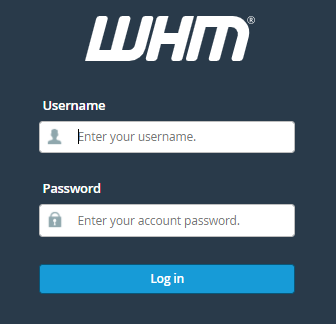
1. Log in to WHM using your credentials.
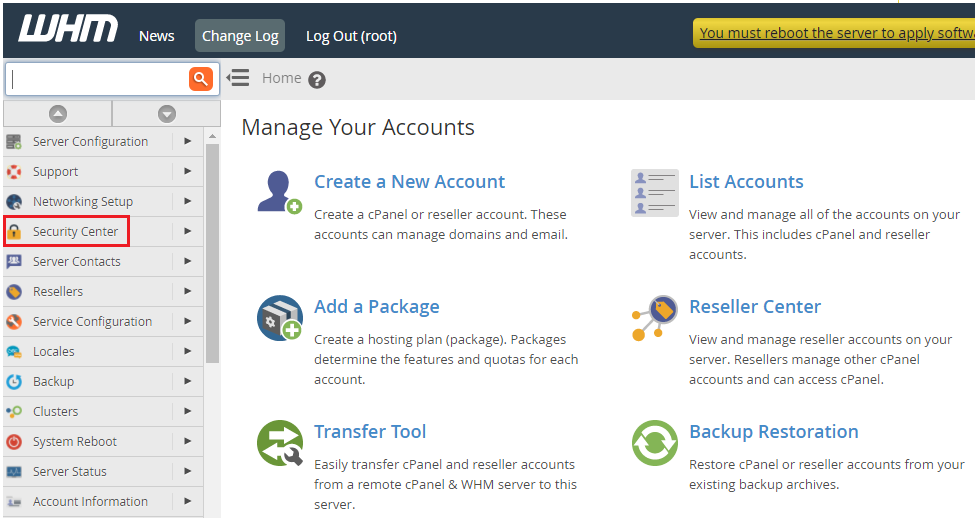
2. Choose the “Security Center” option from the left-hand side of the screen, which is represented by a “lock” symbol.
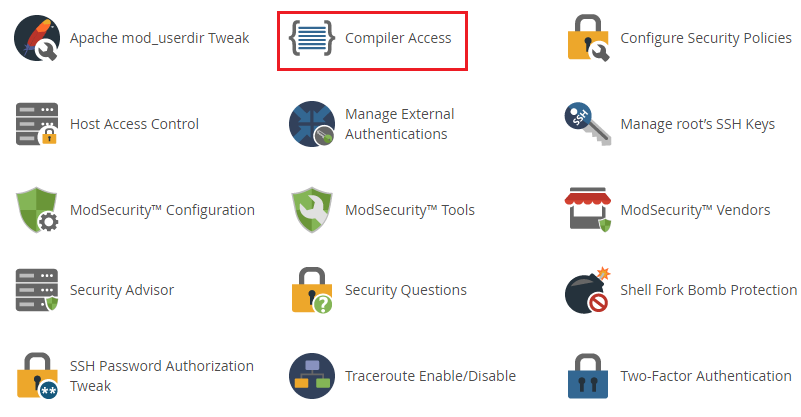
3. Click on the “Compiler access” feature from the list as shown in the image given below.
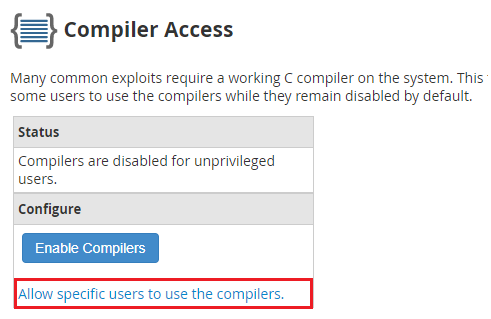
4. On the screen, choose “Allow specific users to use the compiler.”
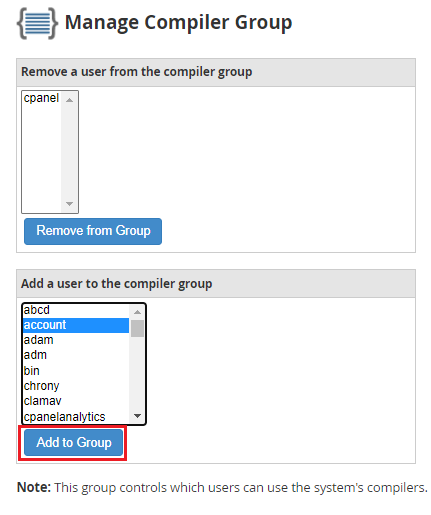
5. A new interface called “Manage Compiler Group” will appear. We have two choices here:
a) Remove from group
a) Add to group
6. Select the user from the drop-down list to add it to the group. Click on the “Add to Group” button.
7. You will get a message after adding the User.
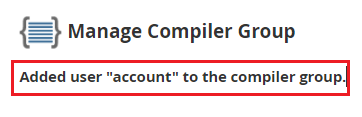
In this way, Compiler access to your WHM hosting will be granted to the members of this group. If you face any difficulty while doing it, contact the bodHOST expert team who is available for you 24 hours a day and 7 days a week.
You can learn a tutorial about How to Install a Distribution Package in WHM.

Explore more hosting insights, tips and industry updates.
This guide covers key DNS components, common record types, configuration steps, best practices, and troubleshooting…
Frontpage Hosting (Server Extensions) and Sharepoint Services These refer to server-side scripts that aim to…
In this article, you will discover the process of utilizing “Link Server Nodes” within WHM…