
What is the Difference Between a Parked Domain and a Subdomain
Let’s find out what Parked Domains and Subdomains are by using some examples in this…

 Vincer
This article explains how to check for open ports in Windows 10, which is important if an application is unable to connect to the internet or if you wish to block an app.
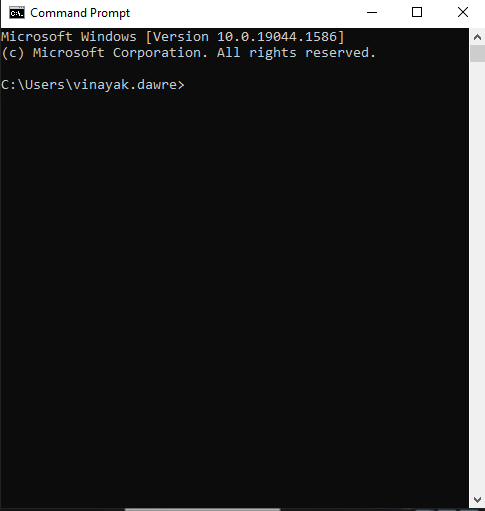
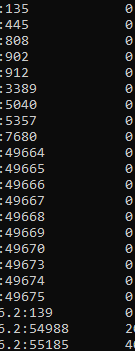
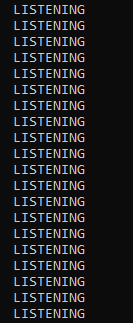
The Netstat command is the simplest way to see if a port is open on Windows 10. Network statistics are abbreviated as ‘Netstat.’ It will display the ports that each internet protocol (such as TCP, FTP, and others) is currently using.
The program has numerous options, but the ones you’ll need to check if a port is open are (a), which gives you a list of active ports, and (b), which tells you what processes are using those ports.

Conclusion
We hope that you now have a good understanding of How To Find Open Ports On Netstat. If you continue to have problems with the protocol outlined above, please contact the bodHOST Team for constructive assistance 24.

Explore more hosting insights, tips and industry updates.
Let’s find out what Parked Domains and Subdomains are by using some examples in this…
How To Clear The Local DNS Cache In Windows is the subject of this article.…
Reset Plesk’s admin password on Windows Server: Log in to windows server via RDP as…