Secure Browsing with SSL
Secure Your Website with Trusted SSL Certificates
Give your visitors more confidence with an SSL certificate that secures data, strengthens website trust, and helps your business deliver a safer digital experience.
- High-level Encryption
- Browser Security Padlock
- Safeguard Sensitive Data
- SEO-Friendly Security
Starting From $12.00/mo
View Hosting Plan

4.9/5 Rating
Google Reviews

5/5 Rating
TrustIndex Reviews

Top Rated
Cloud Hosting Provider
Choose Your Perfect SSL Certificate Plan
Buy an SSL certificate with HTTPS and flexible DV, EV, and Wildcard options to protect customer data, strengthen website trust, and keep every visitor confident on your website.
- Domain Validation (DV)
- Issued by GoGetSSL
- Encryption up to 256 bit
- Unlimited Server Licensing
- Issuance within 5 minutes
- Secure Website Data
- Free Reissues
- Static Site Seal
- Warranty $50,000
- HTTPS & Padlock
- Both www and non-www available
- Domain Validation (DV)
- Issued by GoGetSSL
- Encryption up to 256 bit
- Unlimited Server Licensing
- Issuance within 5 minutes
- Secure Website Data
- Free Reissues
- Static Site Seal
- Warranty $50,000
- HTTPS & Padlock
- Both www and non-www available
Most Popular
- Organization Validation (OV)
- Issued by GoGetSSL
- Encryption up to 256 bit
- Unlimited Server Licensing
- Issuance within 2-4 days
- Secure Website Data
- Free Reissues
- Static Site Seal
- Warranty $250,000
- HTTPS & Padlock
- Both www and non-www available
- Extended Validation (EV)
- Issued by GoGetSSL
- Encryption up to 256 bit
- Unlimited Server Licensing
- Issuance within 2-7 days
- Secure Website Data
- Free Reissues
- Free Static SiteSeal
- Warranty $1,000,000
- HTTPS & Padlock
- Both www and non-www available
- Business validation
- Issued by GoGetSSL
- Encryption up to 256 bit
- Unlimited Server Licensing
- Issuance within 1-3 days
- Secure Website Data
- Free Reissues
- Free Static SiteSeal
- Warranty $250,000
- HTTPS & Padlock
- Both www and non-www available
Trusted by Businesses Worldwide Since 2003








Understand different types of SSL Certificates
Choosing the right SSL certificate becomes easier when you understand how each validation level protects your website and supports the trust your visitors expect.
DV SSL Certificate
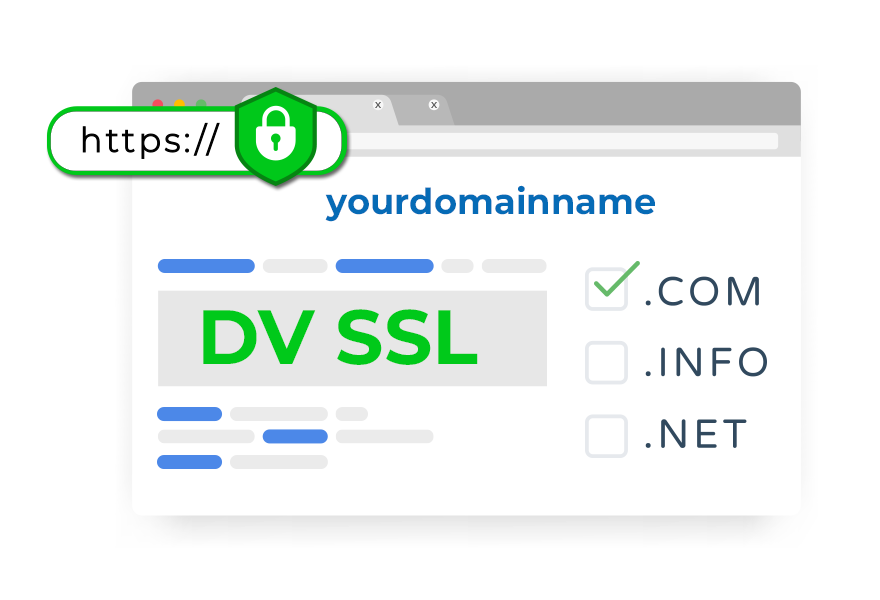
A Domain Validation SSL certificate secures your website quickly with simple ownership verification. It works well for personal websites and small businesses that need affordable encryption while giving visitors confidence to browse, contact you, or share information through your website safely.
OV SSL Certificate
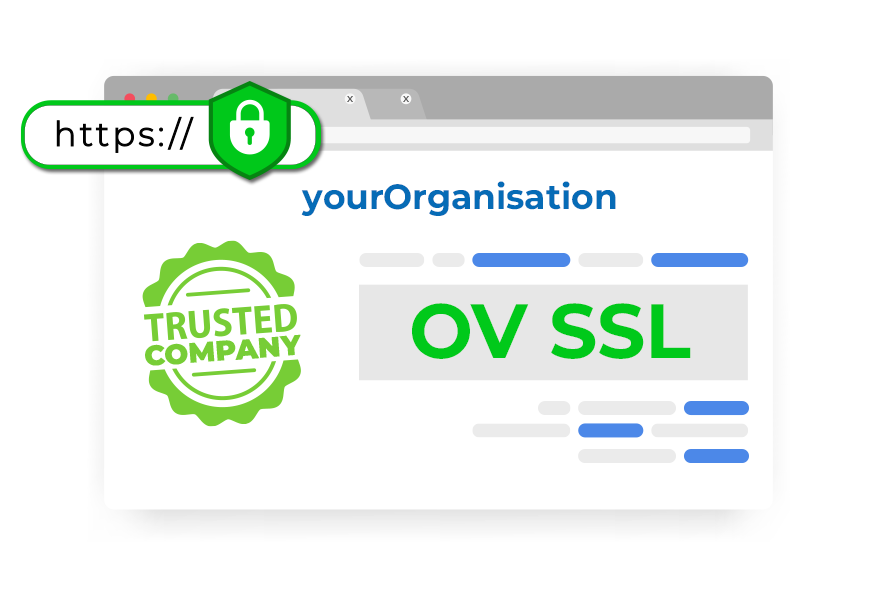
An Organization Validation SSL certificate confirms your business identity as well as your domain. It helps your website appear more trustworthy, making it a better choice for companies that want customers to feel secure before submitting forms or contacting your business.
EV SSL Certificate
An Extended Validation SSL certificate provides advanced website verification for businesses that need stronger customer trust. It is ideal for online stores and service providers because it helps visitors feel more confident when making payments or sharing personal information.
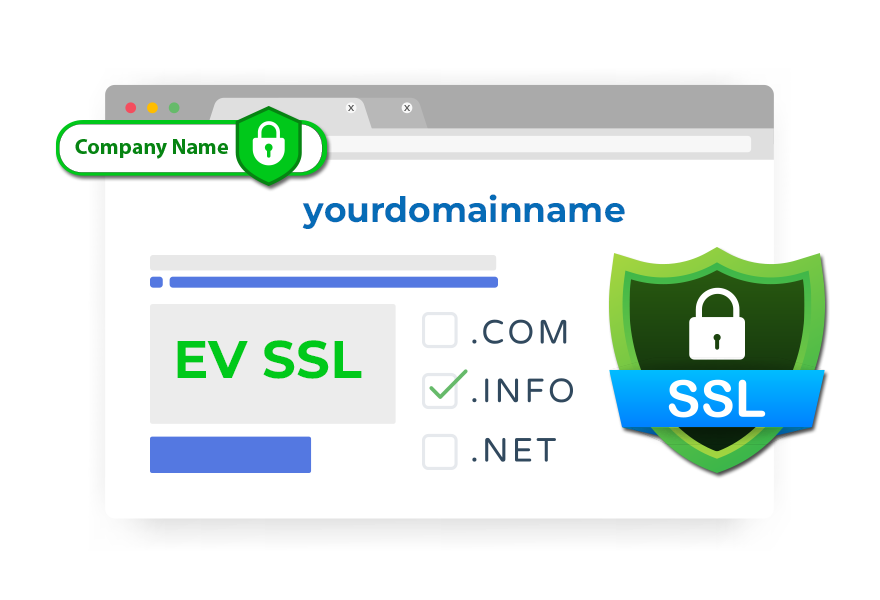
What's Included in Our SSL Certificate Plans
Our SSL certificate plans include trusted encryption, browser compatibility, visible trust indicators, and expert support that help your business protect customer data and strengthen credibility across every online interaction.
Secure Site Trustmark
Display a trusted site seal that reassures visitors their information is protected, helping your business build confidence before customers share details or complete a purchase online.
99.9% Mobile and Browser Trusted
Your SSL certificate works across major browsers, mobile devices, and operating systems, giving every visitor a secure experience without warning messages on any screen they use.
Website More Secure
SSL encryption removes insecure browser warnings and protects sensitive information, helping your website appear safer while encouraging customers to stay longer and interact with more confidence.

Builds Trust with Visitors
A visible padlock tells visitors their information is protected, helping your business earn trust and create a safer experience throughout every visit to your website.
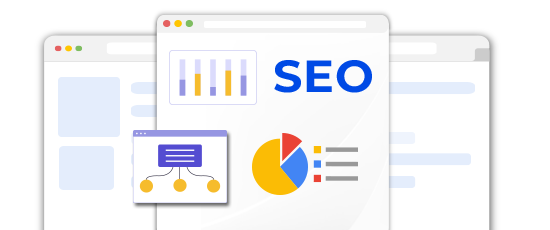
Improves SEO Rankings
Search engines prefer secure websites, and SSL can support better visibility by showing your business as trustworthy, helping attract more organic visitors over time from search.
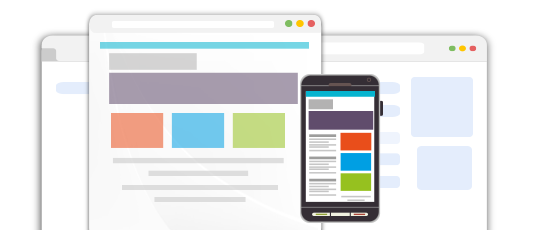
Multiple Browser, OS & Device Support
Your certificate stays trusted across leading browsers, devices, and platforms, so customers see a secure connection every time they visit your website from any location worldwide.
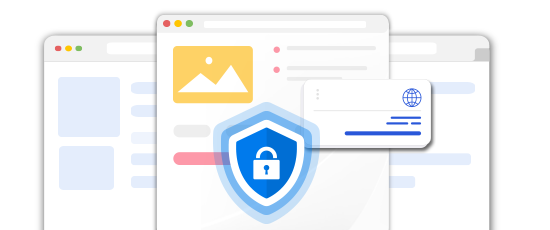
Strong Data Protection
Our SSL certificates use strong 256-bit encryption to protect customer information, helping your business secure transactions and reduce security risks across every important page of your website.
How an SSL Certificate Secures Your Website
An SSL certificate protects customer data and helps your website build trust through secure encrypted connections.

Secure Connection
SSL instantly creates a secure link between the browser and server.
Data Encryption
Sensitive data like passwords and payments are securely encrypted.

Trusted Browsing
Padlock and HTTPS confirm your website is safe and trustworthy.
What Customers Love About Our Hosting
Join thousands who trust our hosting for performance, reliability, and expert support.

As a small business owner, I wanted an SSL certificate that was affordable and easy to manage. Bodhost offered exactly what I needed, and setting everything up was simple. It gave me confidence that my website visitors can browse securely.
Before choosing an SSL provider, I compared several options and finally selected Bodhost. The setup process was straightforward, pricing was reasonable, and everything worked as expected. It's been a reliable solution and a good fit for my website.
Adding an SSL certificate from Bodhost was one of the best decisions I made for my website. It was easy to activate, and having a secure connection helped me feel more confident while building trust with visitors.
I was searching for an SSL solution that was secure without being expensive, and Bodhost worked well for my needs. The process was simple, support was helpful, and my website now feels more professional and trustworthy.
After installing an SSL certificate through Bodhost, I felt more confident about the security of my website. Visitors can browse safely, and it gives my brand a more reliable and professional presence online without making setup complicated.
24/7 Expert Assistance
Real Hosting Experts
Real Hosting Experts
Ready To Help Anytime
From website migrations and server issues to email setup and performance optimization, our technical experts are available 24/7 to help keep your business online.




98% Satisfaction Rate
Fast, reliable & expert hosting support.
Help Center - Hosting FAQs
Switch to a better host today! Migrate your website effortlessly with our expert support. Get started now!
An SSL certificate creates a secure, encrypted connection between your website and visitors, protecting sensitive data from exposure. Reliable ssl certificate providers help businesses secure online interactions while showing customers their personal information is handled securely.
An SSL certificate protects customer data, improves trust, and can support better search visibility. Choosing the best SSL certificate helps your business create a safer website experience while encouraging visitors to browse, submit forms, and complete purchases confidently.
You need a ssl certificate for domain when your website collects contact details, login information, or payments. It protects customer data and helps visitors feel comfortable sharing information through your business website every time they interact online.
Businesses managing several subdomains can buy ssl certificate wildcard protection to secure them under one certificate. This helps simplify security management while giving visitors a trusted browsing experience across every connected part of your website.
Search engines prefer secure websites, which means SSL can help improve visibility. Many businesses compare cheap ssl certificate providers because stronger website security can improve customer trust while supporting better long-term search performance.
When an SSL certificate expires, browsers display security warnings that can reduce trust instantly. Renewing the right ssl certificate to buy on time helps your website stay protected and keeps customers confident while browsing.
Didn't find your desired answer? please feel free to Contact us Contact us