
How to Enable Shell Fork Bomb Protection Via WHM?
This tutorial will show you how to enable Shell Fork Bomb Protection using WHM. What…

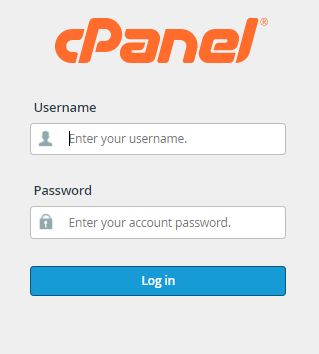
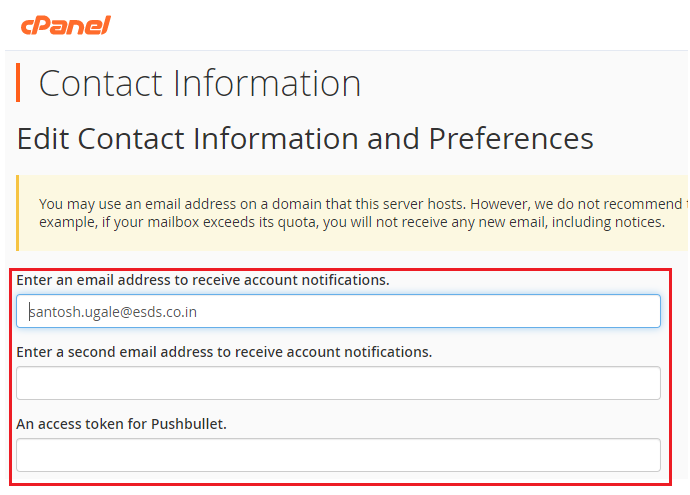
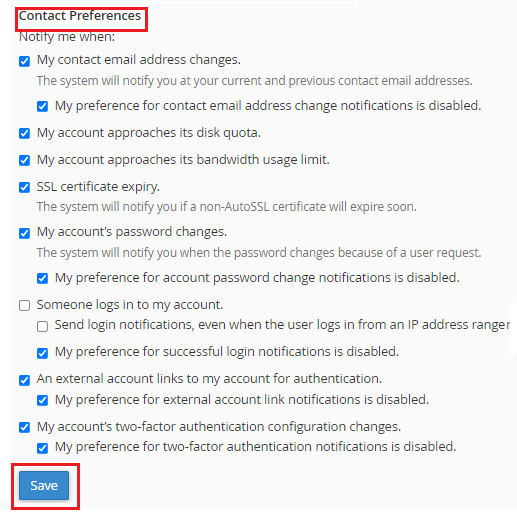
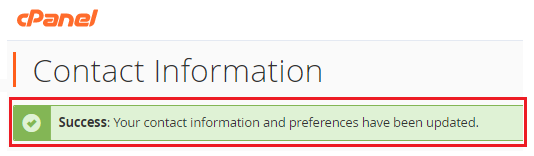
We’ll go over the basics of editing your cPanel contact information and preferences in this tutorial. When you need to adjust your hosting account’s contact information or preferences, you approach your web hosting company. You can, however, do it yourself using cPanel hosting. You can do it yourself with only a few clicks.
So, let us see how:

So, Wasn’t it easy? If your answer is yes, you will surely be able to make changes from your end instead of contacting your Web Hosting company. But still, if you face any kind of difficulty surely contact our experts, they are available for you 24×7.

Explore more hosting insights, tips and industry updates.
This tutorial will show you how to enable Shell Fork Bomb Protection using WHM. What…
Encountering a “403 Forbidden” or “No Permission to Access” error can be frustrating, especially when…
Once your cPanel reseller hosting account is active, your main account will include its own…