
How To Use Softaculous To Install WordPress On Your cPanel Account
In this article, we will demonstrate how to use Softaculous to install WordPress in a cPanel…

In this article, we have explained how to utilize the skeleton directory in WHM. The Skeleton directory serves as the storage space for the temporary homepages of newly created users in WHM by reseller-hosting providers.
Follow these steps to navigate-
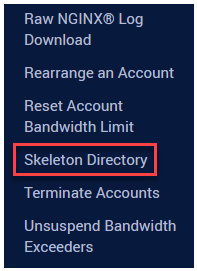
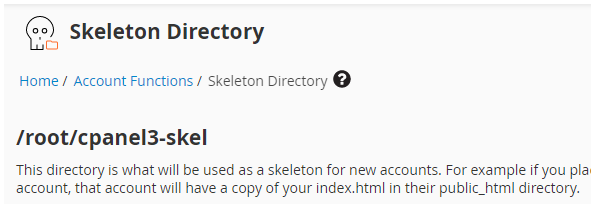
This method allows you to utilize the skeleton directory in WHM. We hope you found this article helpful. For more details, read the [How to Change the Hostname of Server in WHM] here.

Explore more hosting insights, tips and industry updates.
In this article, we will demonstrate how to use Softaculous to install WordPress in a cPanel…
How to Update Contact Information from WHM is the topic of this post. You should…
In this article, we are going to explain to you how can you customize your…