
How To Restart Plesk Services
In this tutorial, you’ll learn how to restart services in the Plesk control panel. You…

 Serena
This guide will walk you through the process of cloning the reseller service plans in Plesk. Plesk cloning is the skill of copying the same Plesk case to other virtual machines without compromising Plesk’s operability.
Let us follow the steps to clone the Reseller service plans in Plesk:
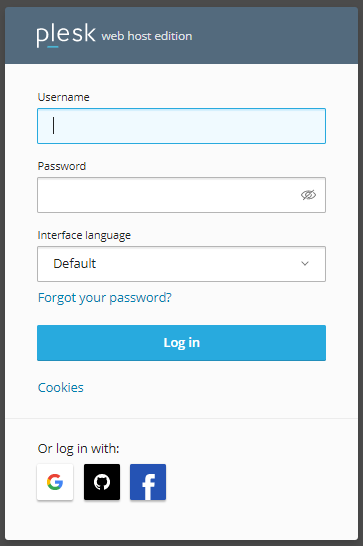
1. Log in to the Plesk.
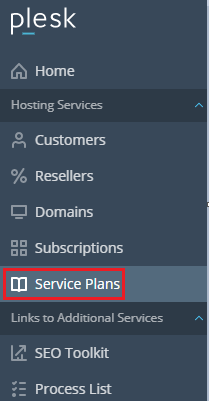
2. Select the “Service plans” option from the menu.
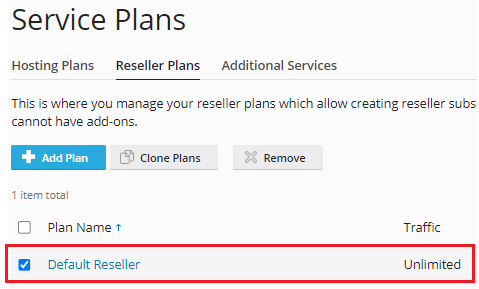
3. Click on the “Reseller Plans” tab.

4. Select the plans to be cloned.
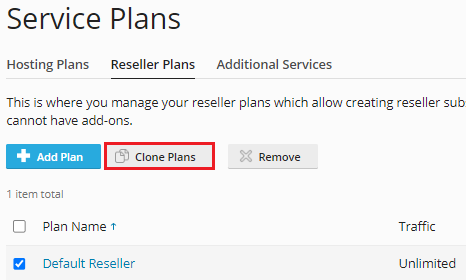
5. Then click on the “Clone Plans” option.
6. You will get a success message.

7. You can see the duplicated plan in the list as shown below.
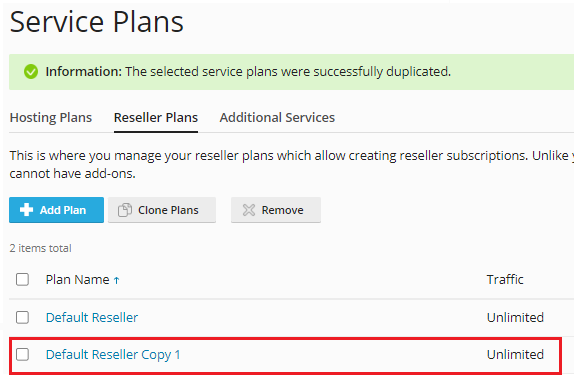
So, isn’t it very easy? But still, if you face any problem, you can anytime contact the bodHOST support team via live chat, ticketing system, or directly call. Also, check out the latest Linux Reseller Hosting plans.

Explore more hosting insights, tips and industry updates.
In this tutorial, you’ll learn how to restart services in the Plesk control panel. You…
What is an .htaccess file? A .htaccess (Hypertext Access) file is a directory-level configuration file…
Webmail means web-based email. It is an email facility that can be opened using a standard internet…