How to Copy Files to a Remote System (FTP)
You can implement wildcard characters and supply a series of individual file names. Every file…

 Serena
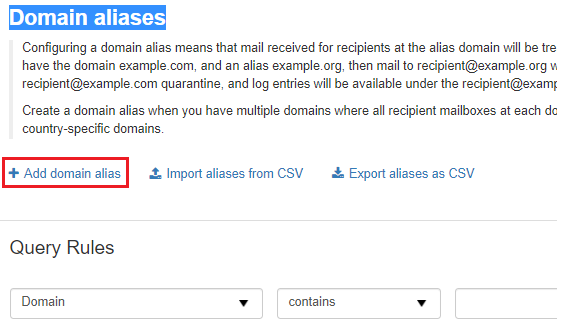
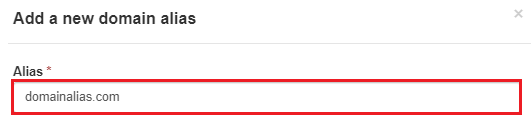
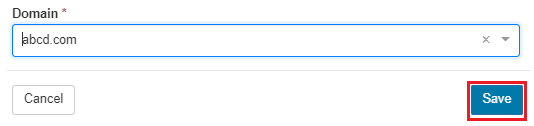
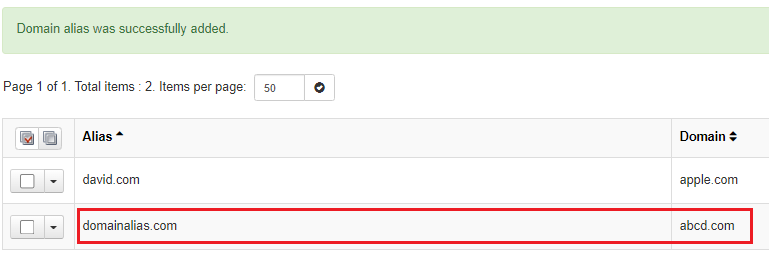
This guide will explain to you how to use SpamExpert to add Domain Alias. A domain alias is a secondary domain name for a website’s primary domain. Mail sent to the alias domain is considered the same as mail sent to the parent domain’s receivers.
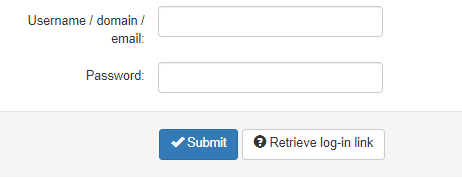
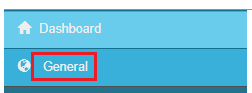
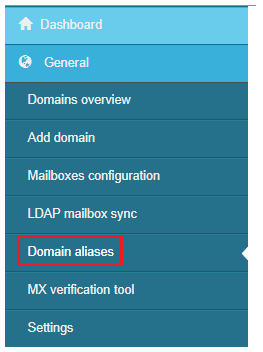
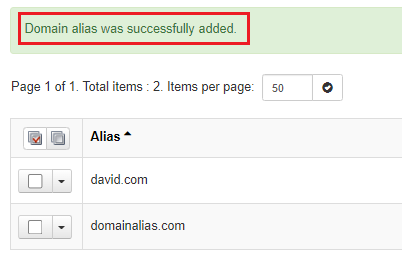
To add Domain Alias follow the following steps:

That was the end of the discussion. For more such informative articles do visit our site regularly. For any help please contact bodHost’s support team.

Explore more hosting insights, tips and industry updates.
You can implement wildcard characters and supply a series of individual file names. Every file…
Restoring a cPanel account is useful when you need to recover a website, email accounts,…
In this article, we are going to explain what is Apache Spam Assassin and how…