
Windows Server 2012 R2 Cluster Setup
The aim of this article is to present two types of solutions offered by Microsoft…

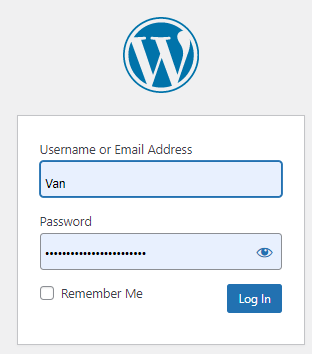
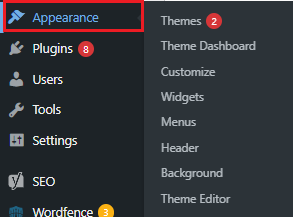
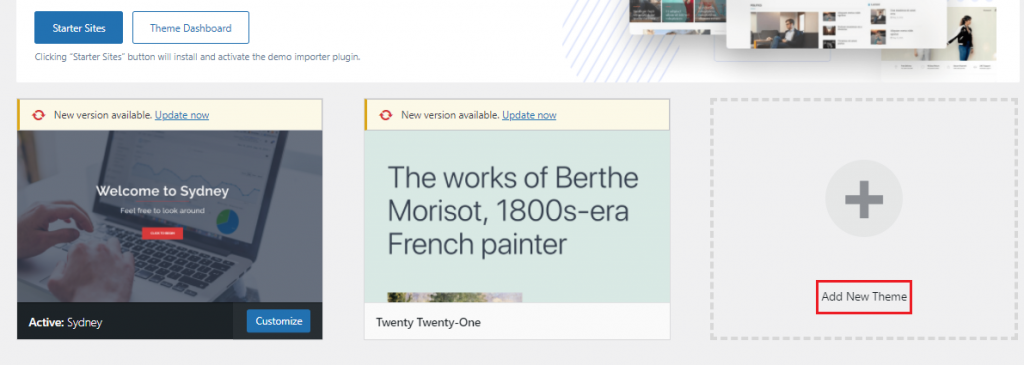
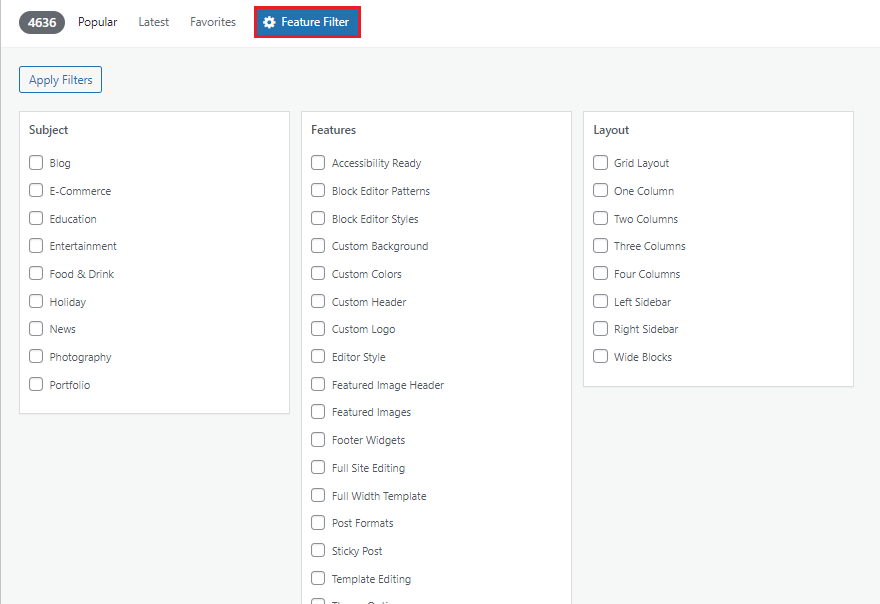
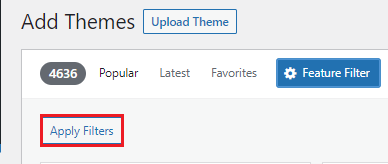
Installing a new theme in WordPress is a straightforward process. Here’s a step-by-step guide:
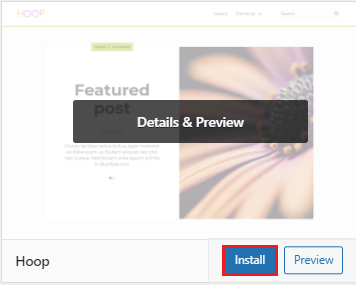
Note:- After you've installed the theme,
click Activate to have your site start utilizing it right away.
In this manner, you’ve discovered and installed new WordPress themes.
We hope that you now have a good understanding of How to Install a New Theme in WordPress. If you continue to have problems with the protocol outlined above, please contact the bodHOST Team for constructive assistance 24/7.
If you are looking for managed WordPress hosting for your website or blog go with bodHOST, One of the affordable hosting providers in the United States. Discover How to use WordPress Toolkit in Plesk: Master the intricacies of WordPress management with Plesk’s intuitive WordPress Toolkit, empowering you to streamline website administration and optimize performance effortlessly.

Explore more hosting insights, tips and industry updates.
The aim of this article is to present two types of solutions offered by Microsoft…
Q. What is the benefit of SharePoint Server 2010? Ans: With SharePoint Server 2010, Microsoft…
Binding multiple IP addresses to a server allows you to host multiple websites, applications, or…