
If Access is denied to a website when opening a Browser –
Use the IP address instead of the Domain name, if you are able to do…

In this article, you’ll learn how to edit the Autoresponder in cPanel. This is a useful tool for letting customers know that you’ve received their email and will react within a particular time frame.
So, let’s have a look at how to change an autoresponder in cPanel.
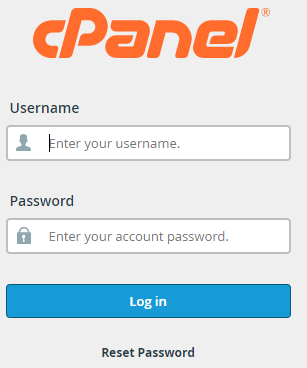
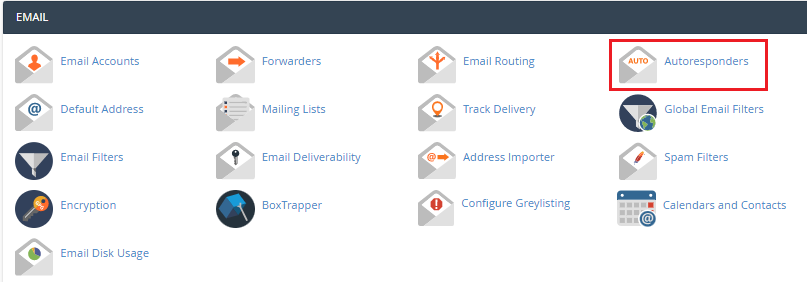
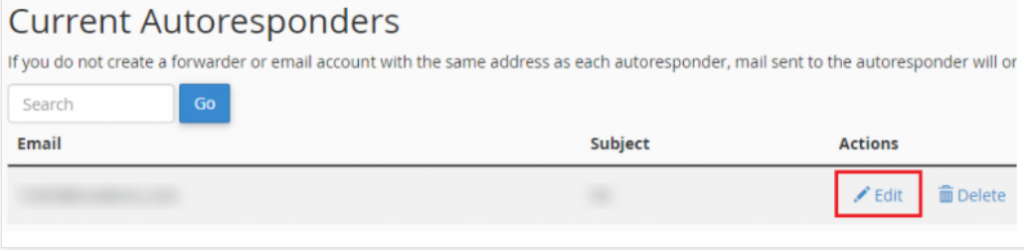
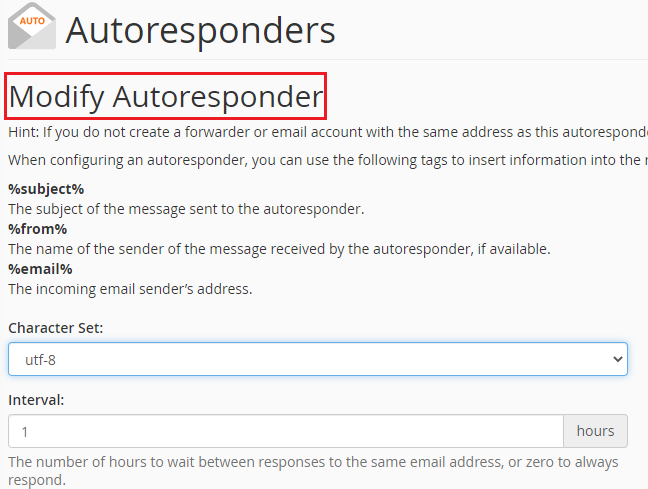
In this manner, You can easily edit the Autoresponder settings in cPanel. If you continue to have problems with the protocol outlined above, please contact the bodHOST Team for constructive assistance 24/7.
Learn more about How Can You View Your Error Log in cPanel.

Explore more hosting insights, tips and industry updates.
Use the IP address instead of the Domain name, if you are able to do…
In this article, we will explain to you How to modify the primary IP of…
What happens if my resource usage begins to exceed the original specifications of my…