

How to Discover an Addon Domain’s Path from cPanel
This guide will help you understand how to discover an Addon Domain’s path from cPanel.…

In this article, we will explain to you how to add a TXT record in the cPanel account.
If administrators want to store any random texts, facts, or notes for various services to read, they can use TXT records. For Example, TXT records are commonly used to construct Sender Policy Framework (SPF)
NOTE- The DNS zone records for addon domains can be edited (Domain which you have added to your hositng account as an addon domain)
Use the edit DNS zone file tool to make any DNZ zone record modifications for your primary domain or domain name.
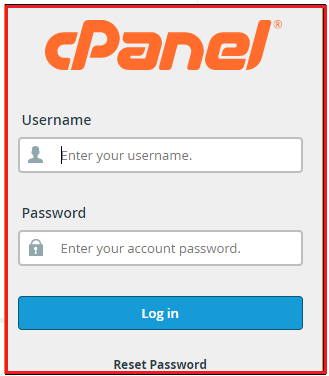
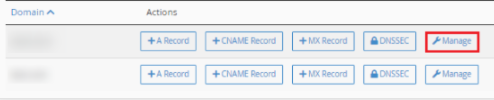
Follow the following steps to add a TXTX record in cPanel.



We hope that you now have a good understanding of how to add a TXT record from cPanel. If you continue to have problems with the protocol outlined above, please contact the bodHOST Team for constructive assistance 24×7.

Explore more hosting insights, tips and industry updates.
This guide will help you understand how to discover an Addon Domain’s path from cPanel.…
This article explains how to manually update a WordPress site. Follow these steps to upgrade…
Tikiwiki is a content management system, which allows you to create wiki-based websites. This application…