
How To Update cPanel’s IP Address?
In this article, we will explain to you How to modify the primary IP of…

This article will help us understand how to control compiler access for customers in WHM. Enabling users’ access to these compilers could result in cyberattacks.
Before moving further we will see how to add the customer to the group. For this refer: (add the link of the KB- How to Allow Customers Compiler Access Using WHM)
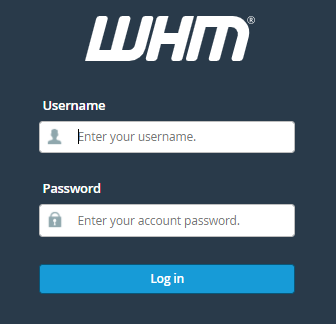
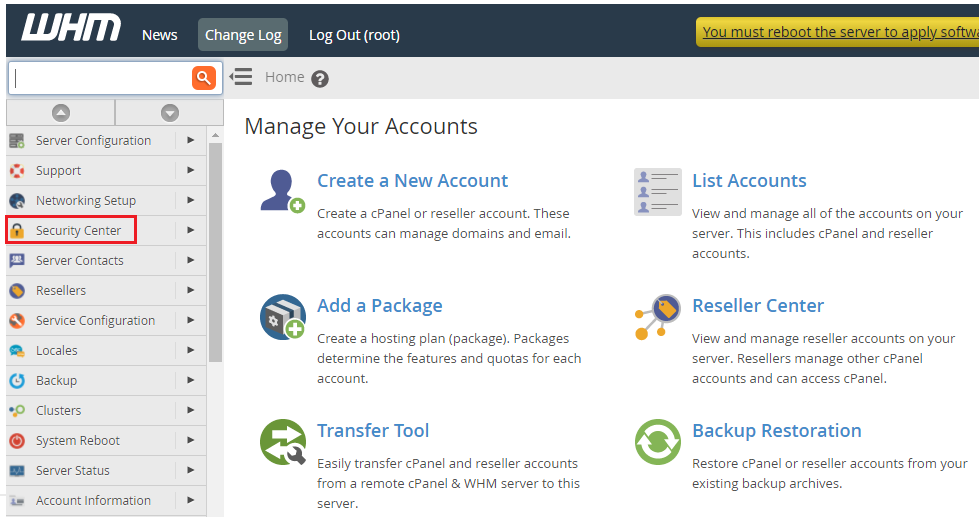
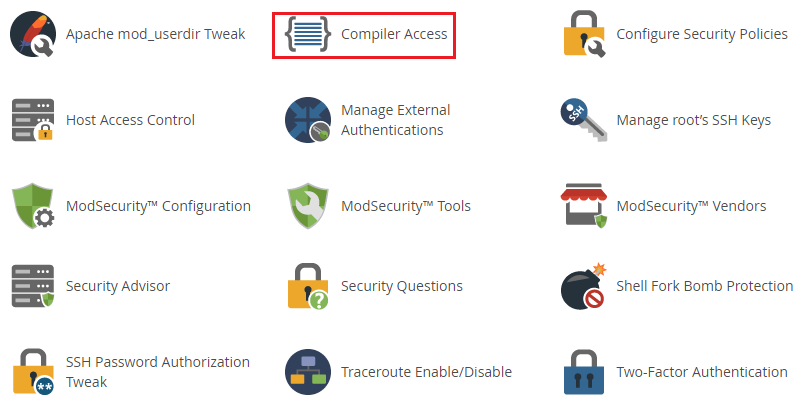
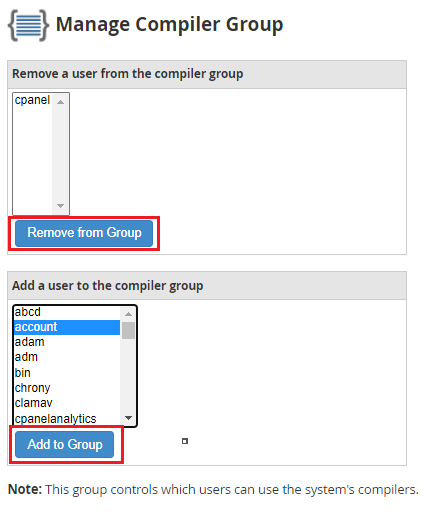
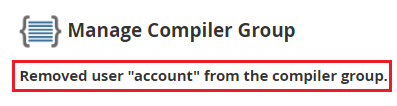
Now, let us follow the steps to remove the customer from the list of compiler groups:
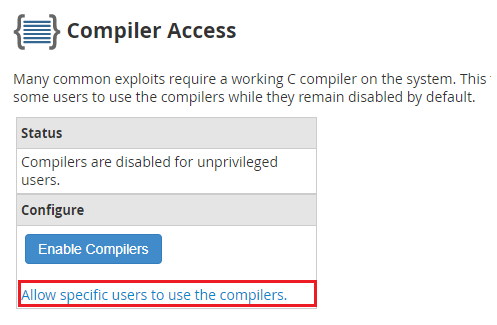
a) Remove from group
b) Add to group
Wasn’t it that easy? This way you can control the compiler access for users in WHM. For more such guides, visit our bodHOST KB section regularly. And for any help do contact our support team 24×7.

Explore more hosting insights, tips and industry updates.
In this article, we will explain to you How to modify the primary IP of…
An error page is displayed whenever a visitor to your website encounters a problem. This…
The high availability of VMware vSphere has improved. The site recovery manager is an automated…