Intel Xeon E5-2600 Series
The Intel Xeon E5-2600 server is powerful and scalable to adapt to the requirements of…

In this article, we will explain How to get the raw FTP log from the WHM.
Using raw access logs on an FTP server, you may see every connection to a site or file posted or downloaded. WHM users may obtain a raw FTP log including these entries as plain text files.
Follow the follwing steps : –
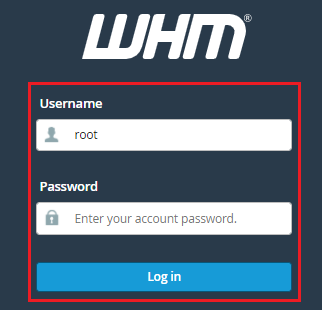
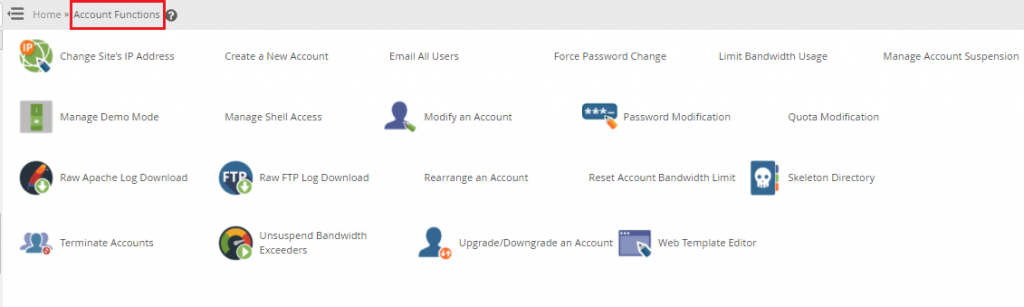
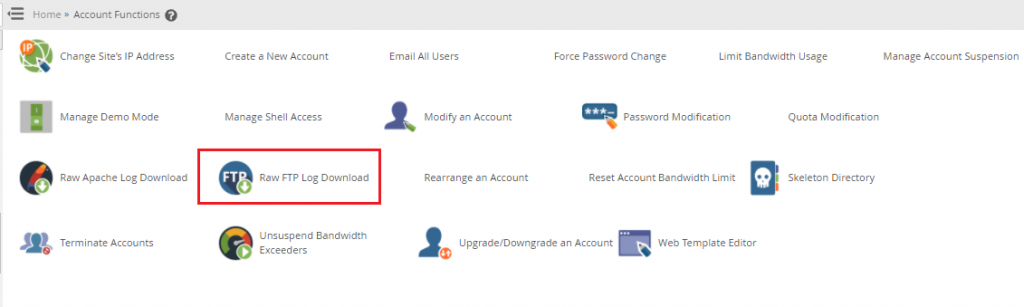
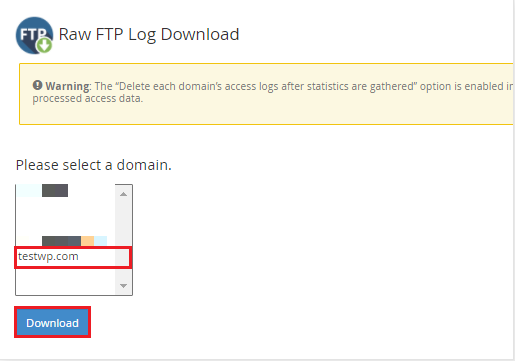
Note: If any data has travelled across the chosen domain, you will see the text file of the FTP log. If you don’t, WHM will display a notice stating that the log file is empty.
Do We hope that you now have a good understanding of How to get the raw FTP log from the WHM. If you continue to have problems with the protocol outlined above, please contact the bodHOST Team for constructive assistance 24×7.

Explore more hosting insights, tips and industry updates.
The Intel Xeon E5-2600 server is powerful and scalable to adapt to the requirements of…
In this article, we will explain how to install NGINX in WHM. Follow these steps…
In this article, we will show you how to create web users in Plesk Panel,…