High load prevent slow backups
In this tutorial, we’ll explain to you how a high load creates a slow backup…

 Serena
This post will walk you through the process of creating Reseller Accounts in WHM. Reseller hosting allows you to purchase large quantities of hosting resources in order to resell them to your customers.
Let’s take a glance at the procedures:
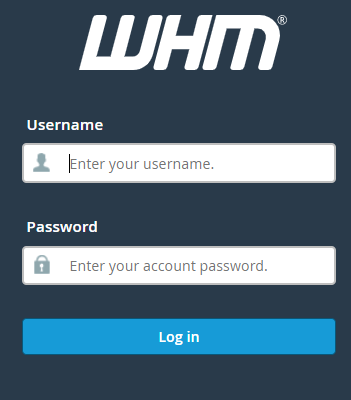
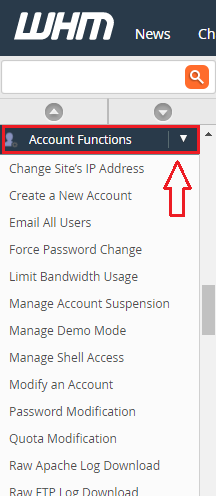
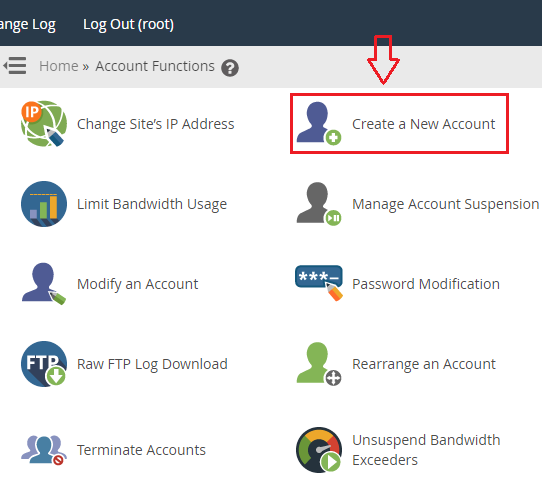
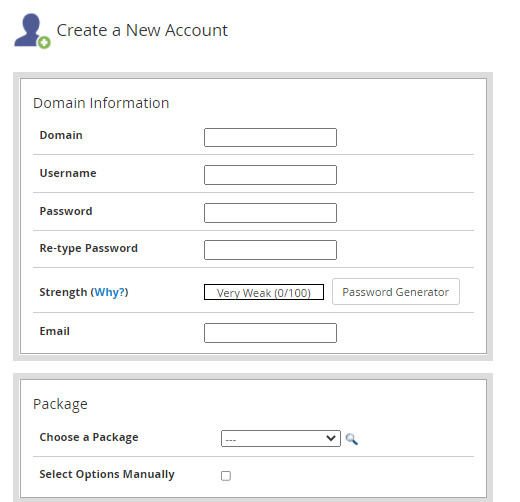
As a result, you’ll get a completely new reseller account at your fingertips in WHM. If you have any questions or problems, please contact our customer support staff at any stage. Also, check out the Linux reseller hosting plans.
Also Read: How to Create A Reseller Account Via Plesk

Explore more hosting insights, tips and industry updates.
In this tutorial, we’ll explain to you how a high load creates a slow backup…
Securing your website with SSL protects data and builds user trust. In this guide, we’ll…
Setting up an FTP storage backup solution using Plesk ensures off-site, scalable, and accessible backups…