In this article, you will learn how to configure the WHM’s Contact Manager.

Use of WHM’s Contact Manager:

  1. WHM’s Contact Manager allows you to configure server-related notifications for various services and devices.
  2. Each type of contact can be given priority.
  3. Low-priority messages, for example, can be sent to an email account, whereas high-priority communications can be sent as text messages.

How to Access the Contact Manager:
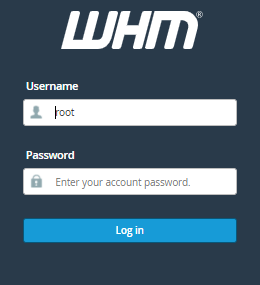
  1. Login to WHM as the root user.
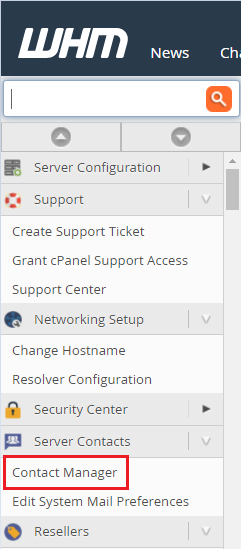
  2. Select Contact Manager Under Server Contacts. 
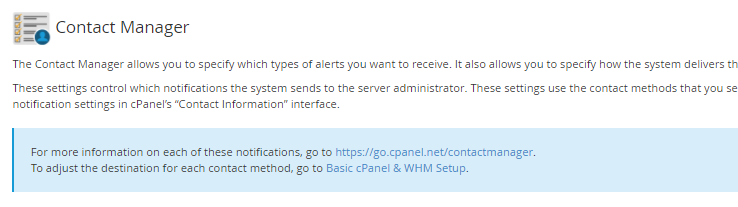
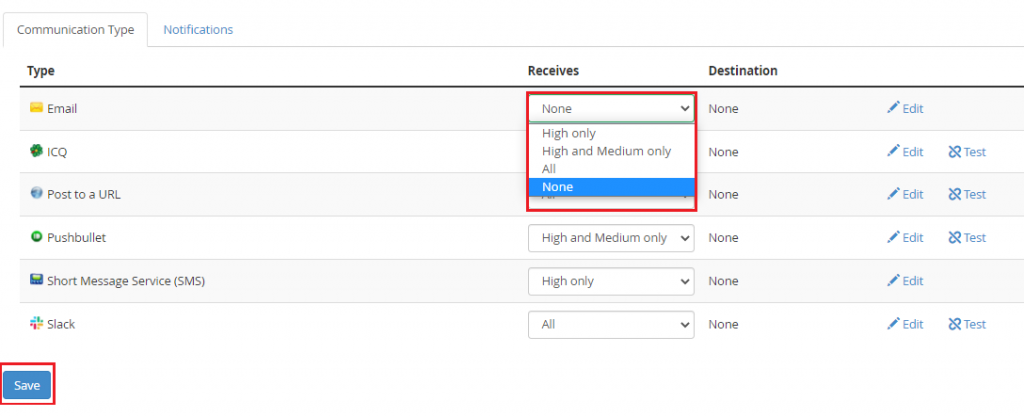
  3. The Contact Manager interface will appear. Communication Type and Notifications are the two tabs.
  4. To the right of each option, you will see the priority dropdown under the heading Receives.
  5. Select the priority for the communication types and hit the save button.
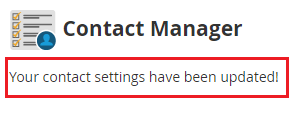
  6. You will receive a message that the settings have been updated successfully.

In this way, you can change the priority for the communication types and understand How to configure the WHM’s contact manager. For more such knowledge base regularly visit our bodHOST site and for support don’t forget to contact our team.

Popular Posts You May Read

Explore more hosting insights, tips and industry updates.

Frontpage Password Reset

If you are not able to login to your front page with the same password…

Covert an IPbased site to Namebased site in ensim, IPbased site to Namebased site.

In hosting environments managed with Ensim control panel, websites can either be configured with a…

How Can you Upload a File With cPanel File Manager?

This article will show you How to Upload a File Using the cPanel File Manager.…