
Main Features of eNlight – Auto-Scalable Cloud Computing Design
No wonder, cloud computing is considered to be the mainstream technology for most companies…

In this tutorial, we have explained to you how to reset your cPanel password and make your account more secure and safe.
Introduction:- You may discover that you need to reset your cPanel password from time to time for reasons such as best practice or routine security. Both WHM and cPanel accounts allow you to do so. If you don’t know the root password, you’ll need to contact your hosting provider for help with resetting the root password.
Note:- For security reasons, cPanel support is unable to modify end-user login credentials.
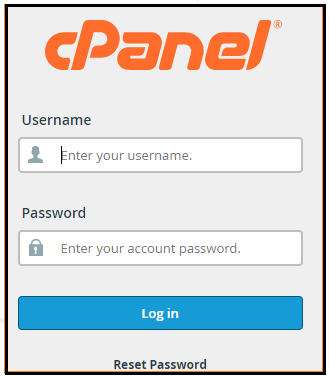
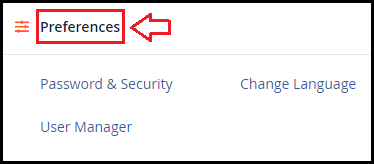
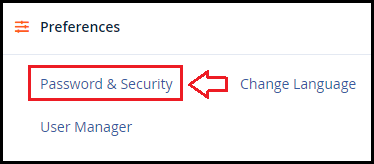
Let’s have a look at the Procedure and Follow the Steps to reset your password.
Note:- You will end your current session if you change your password.
And you'll have to log in again with your new password.
We sincerely hope you must now have a clear idea regarding How to Reset your Password for a cPanel User. However, if you are still facing any difficulty in the procedure mentioned above, feel free to reach out to the BodHOST Team for proactive support 24×7

Explore more hosting insights, tips and industry updates.
No wonder, cloud computing is considered to be the mainstream technology for most companies…
The default TCP port for FTP connections is port 21. If you are facing an…
If you wish to hide the internal servers of your customers for safety concerns. A…