How To Change The Priority Of An MX Record In Plesk
This guide will show you how to use Plesk to alter the mail exchanger or…

 Paul Lopez
A domain alias, in cPanel, is a powerful tool that allows you to point multiple domain names to a single primary domain, all sharing the same website content and email accounts. This feature simplifies managing multiple domains by consolidating them under one hosting account, making it easier to maintain and update your online presence.
It’s especially useful when you want variations of your primary domain to direct users to the same website. Setting up a domain alias in cPanel is a straightforward process, involving a few clicks and DNS adjustments to ensure seamless redirection of traffic to your primary domain.
In this article, we will explain how you can create a domain alias in cPanel.
Follow the following steps to create a domain alias in cPanel.
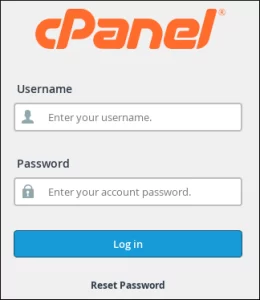


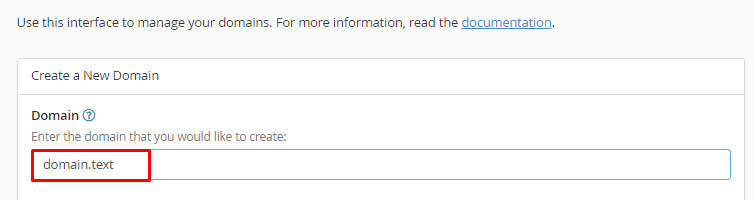
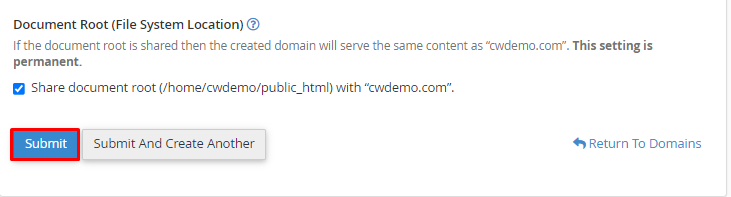 In this way, you can create a domain alias in cPanel
Explore more hosting insights, tips and industry updates.
This guide will show you how to use Plesk to alter the mail exchanger or…
Hosts is a text file and crucial system file used to map hostnames (like domain…
The DNS_PROBE_FINISHED_NXDOMAIN error means your browser can’t find the server IP address of a domain.…