

Clear Cache Extension: A Definitive Guide
Have you ever updated a website but still seen the old version after refreshing the…


In this article, we will explain how you can edit or manage DNS records in Plesk.
Plesk automatically creates a DNS zone for each new domain name in accordance with the preferences given by your service provider. With the automatic configuration, the cheap domain names ought to function correctly. You can make specific alterations to the domain name zone if you use the Plesk NS server and need to do so in your control panel.
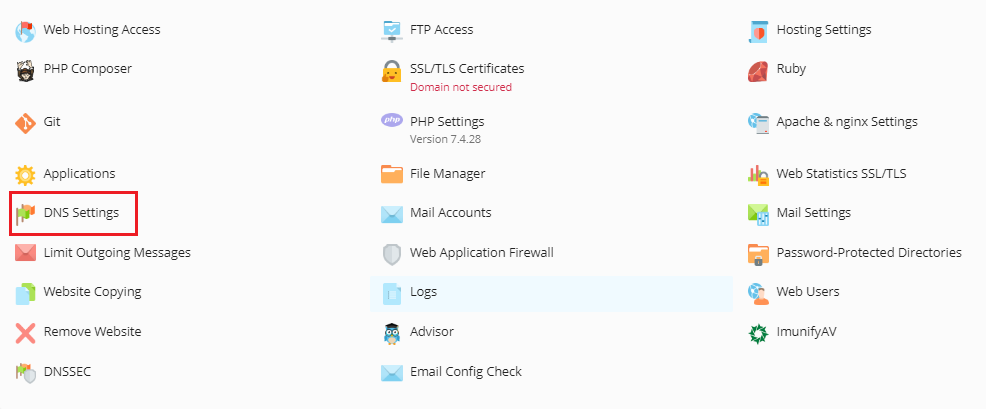
Follow these simple steps to Edit or Manage DNS records in Plesk.

There is a Start of Authority record in addition to the resource records already mentioned. This entry shows that this DNS name server manages the DNS zone for the domain. Additionally, it has parameters that control how information about the DNS zone spreads throughout the Domain Name System.
We hope that you now have a good understanding of How to Edit or Manage DNS Records in Plesk. If you still have problems with the protocol outlined above, please get in touch with the bodHOST Team.

Explore more hosting insights, tips and industry updates.
Have you ever updated a website but still seen the old version after refreshing the…
In this article, we’ll guide you through the process of installing the ClamAV plugin in…
PHPMotion script is a good resource for video-sharing applications, and a lot of customers use…