
What Are Root Nameservers? How DNS Root Servers Work
Every time you enter a website address into your browser, the Domain Name System (DNS)…

This guide will help you in removing the cPanel accounts using WHM. Termination is final and irreversible.
Follow the below steps to remove the cPanel accounts:
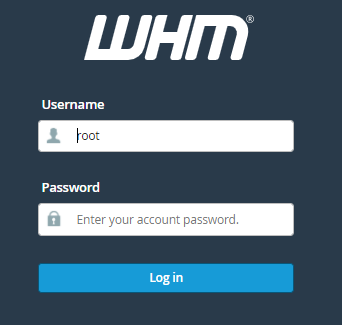
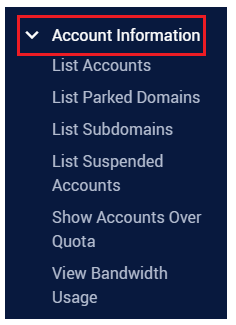
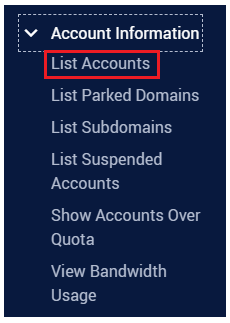
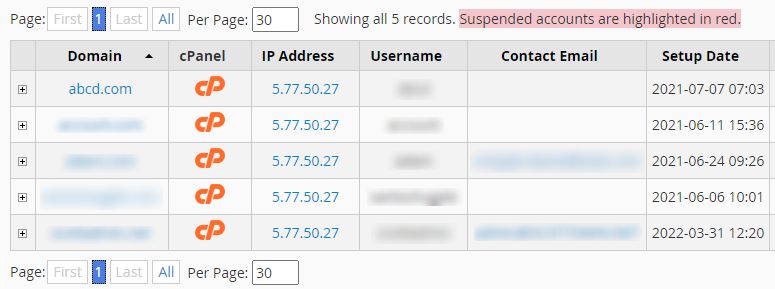
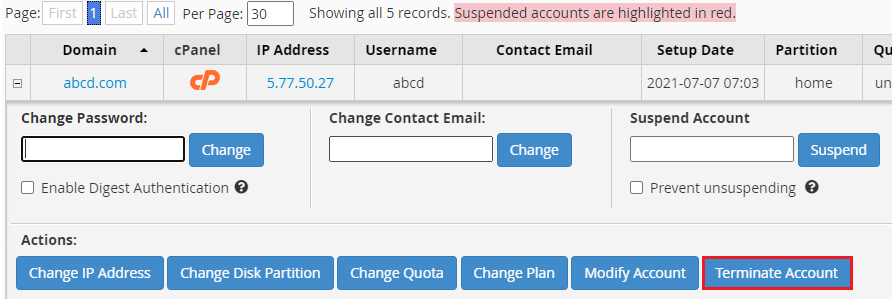
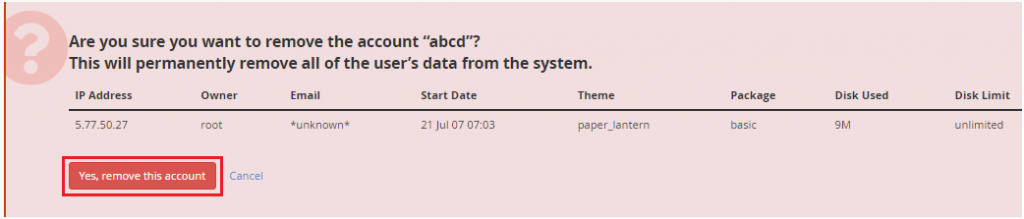

In this manner, you can remove the cPanel account using WHM. For any help contact bodHOST support staff at any time. Also, check out the latest web hosting plans.

Explore more hosting insights, tips and industry updates.
Every time you enter a website address into your browser, the Domain Name System (DNS)…
Through Nucleus, developers can create and develop highly complex and versatile applications for large organizations…
If you are currently using a VPS for your website and related services, then the…