
Relative Record & Key Sequenced Data Set
Relative Record Data Sets (RRDS) and Key Sequenced Data Sets (KSDS) are types of data…

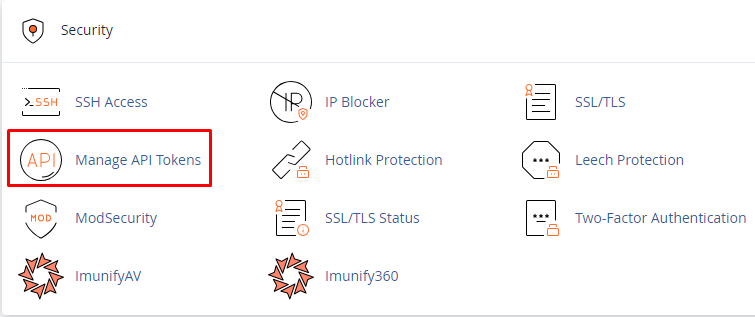
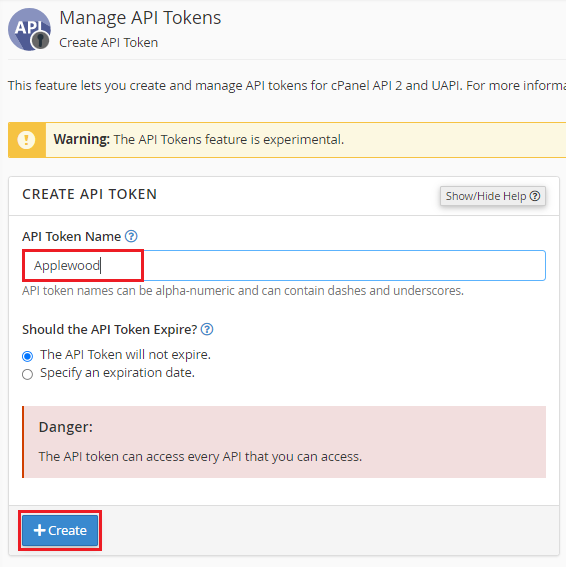
In this tutorial, we are going to discuss how to create an API token using cPanel. The option enables cPanel customers to create API tokens that may be used by resellers and third-party developers to conduct API services.
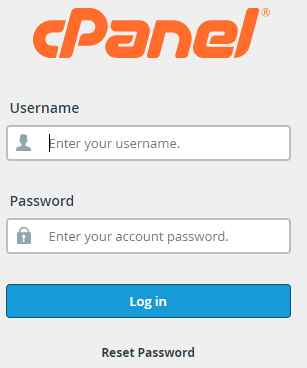
Follow the steps to manage API tokens using cPanel:

This way you can manage the API tokens using cPanel. For any queries contact our support staff 24×7. Also, don’t forget to check our latest web hosting plans.
Read Also: How can you use the API to restore multiple backups?

Explore more hosting insights, tips and industry updates.
Relative Record Data Sets (RRDS) and Key Sequenced Data Sets (KSDS) are types of data…
Several network interface modules can be found on some servers. While communicating with IP functions…
When installing or updating the R1Soft/Idera CDP Agent, you may encounter module build failures due…