Eleven Points to consider while doing Mass Server Migration?
What Is A Mass Server Migration And What To Expect When It Is Time For…

CentOS Web Panel is a Webhosting control panel that is free and open source. We do not provide support for CWP at this time, however, you can install it on your Linux VPS server. We’ll explain to you how to transfer a cPanel account to a CWP server in this article.
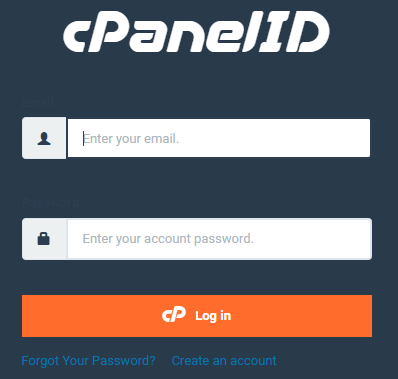
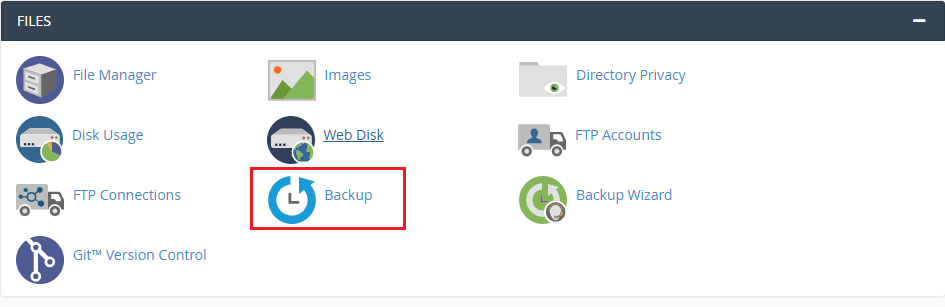

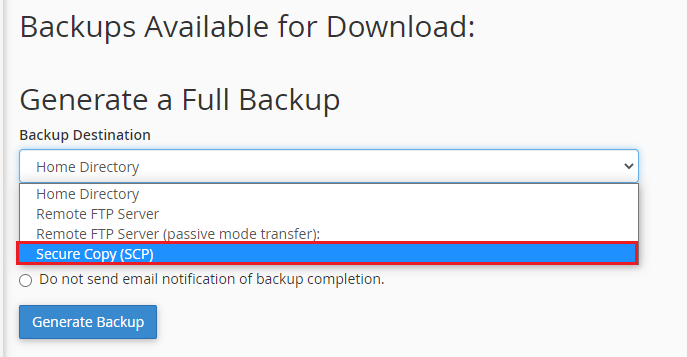
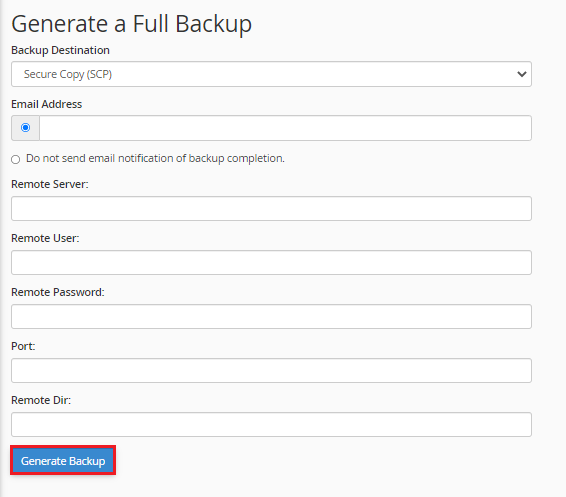
backup-10.2.2019_06-1-51_user.tar.gz
cpmove-{user}.tar.gz
# mv /root/backup-12.28.2018_05-31-51_test_user.tar.gz /home/cpmove-test_user.tar.gz
Restoration Process
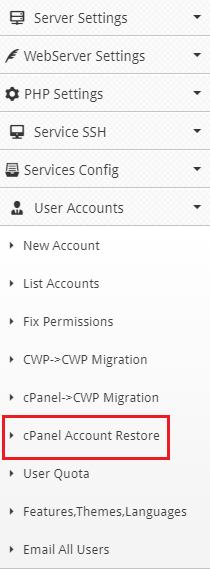
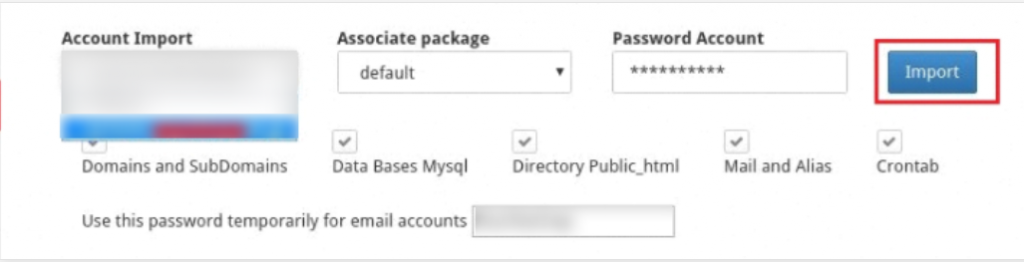
You’ll get a message saying “Migration has been successfully performed” once it’s finished.
Conclusion
We hope that you now have a good understanding of How To Migrate Accounts From cPanel To Centos Web Panel. If you continue to have problems with the protocol outlined above, please contact the bodHOST Team for constructive assistance. Read more about How Can Migrate the Cpanel Account to Plesk and Setup it.

Explore more hosting insights, tips and industry updates.
What Is A Mass Server Migration And What To Expect When It Is Time For…
This article provides systematic instructions on how to install Frog CMS on your bodhost hosting…
This guide explains how to install Kali Linux’s OWASP ZAP. An open-source security tool called…