A little about PHP-NUKE
PHP-Nuke is an open-source Content Management System (CMS) built on PHP and MySQL. Originally developed…

An error page is displayed whenever a visitor to your website encounters a problem. This article explains how to make custom error pages for your website using cPanel.
Creating a custom error page
When an error occurs on your website, visitors will view an error page. Users will get an error page if they type in an erroneous URL or are not authorized to access certain directories. Error pages are frequently customized by adding a corporate image and a link to the company’s home page.
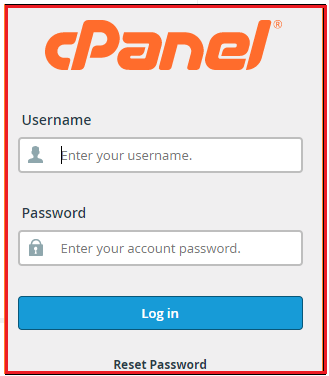
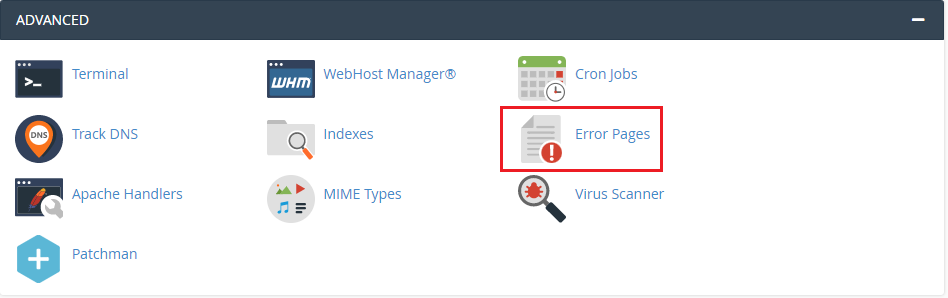
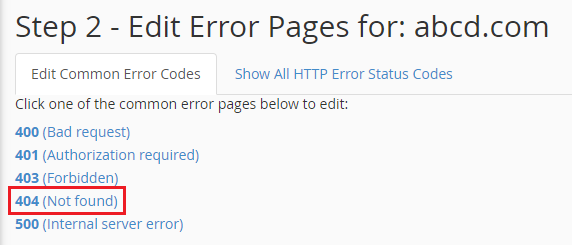
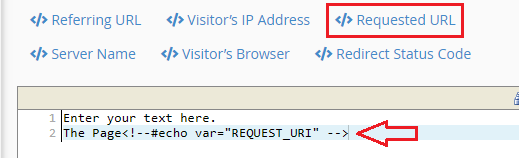
Follow these steps to create or modify a custom error page:
Conclusion
Congratulations, now you know how to create custom Error Pages in cPanel! For additional, visit our website and check out new Web hosting plans.

Explore more hosting insights, tips and industry updates.
PHP-Nuke is an open-source Content Management System (CMS) built on PHP and MySQL. Originally developed…
This tutorial will guide you through the process of creating a horizontal drop-down menus in…
Problems with site resolution Issues with DNSSEC enabled are more common than you might think.…