
How To Change The Priority Of An MX Record In Plesk
This guide will show you how to use Plesk to alter the mail exchanger or…

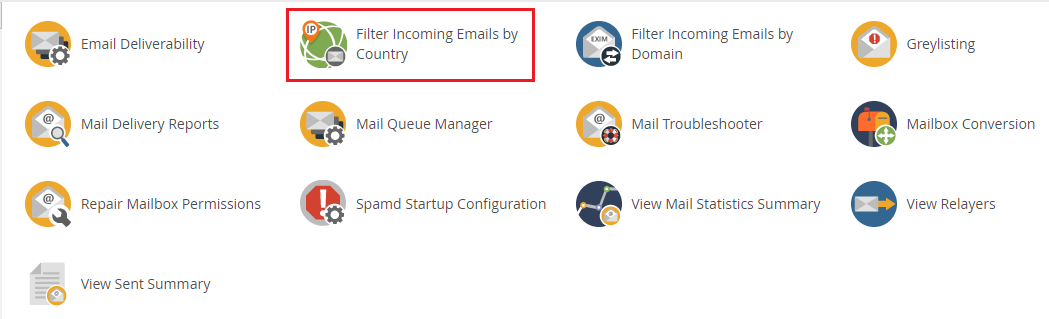
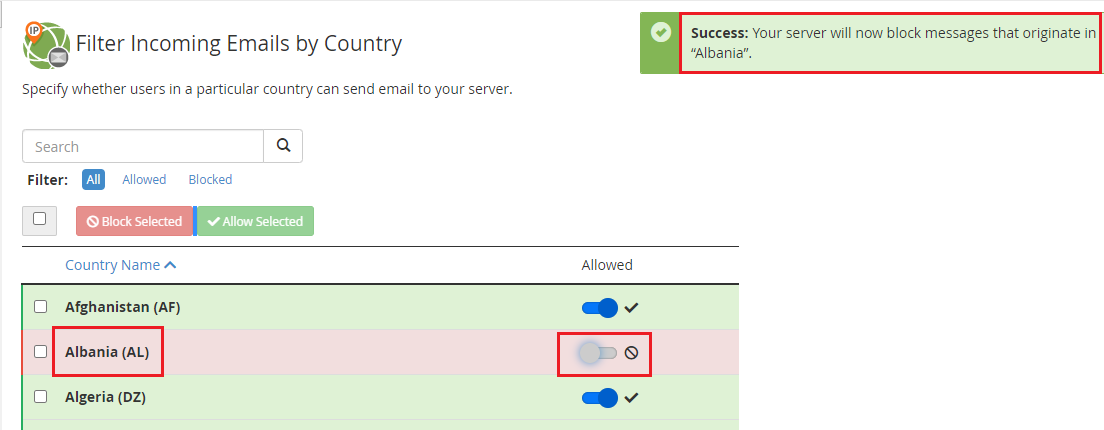
In this article, we will see how to use these functions, as cPanel has new tools to the current version that allow you to block emails from any domain or country.
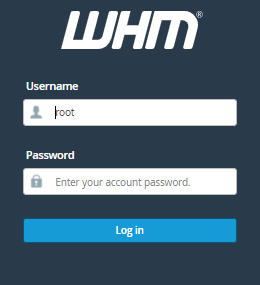
Follow the instructions below, To filter incoming emails from the country.
Conclusion
We hope that you now have a good understanding of How You Can Block Emails By Country. If you continue to have problems with the protocol outlined above, please contact the bodHOST Team for constructive assistance 24×7.
If you need an SSL certificate for your website then go with bodHOST, the best and most affordable web hosting service in the US.

Explore more hosting insights, tips and industry updates.
This guide will show you how to use Plesk to alter the mail exchanger or…
At this point in the game, you should understand the importance of encryption for keeping…
This article explains how to flush the local DNS cache in a Linux server. If…