
What Details One Need to Provide for SSL Certificate?
Once you place an order for your SSL Certificate, then in order to issue an…

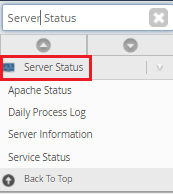
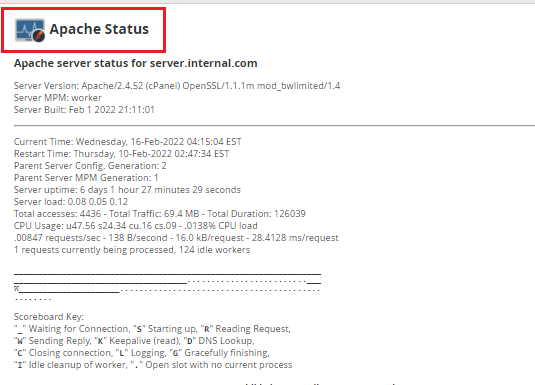
In this article, we have covered the basics of monitoring your server via WHM. Follow the following process to learn how to find: service status, resource usage, and Apache stats.

Conclusion
By following this tutorial you must have a good understanding of How To Monitor Your Server Via WHM. If you continue to have problems with the protocol outlined above, please contact the bodHOST Team for constructive assistance 24/7. Learn essential server hardening techniques and cutting-edge security protocols within How to Increase the Security of Your Server ensuring you safeguard your digital infrastructure effectively.

Explore more hosting insights, tips and industry updates.
Once you place an order for your SSL Certificate, then in order to issue an…
When configuring additional domains on Ensim Pro 3.5.10-12, you may run into compatibility or permission…
In this tutorial, we’ll explain how to configure Apache’s RLimits directive Form WHM Interface You…