
Terms Relating to Web Hosting (Series U, V, W)
Terms Relating to Web Hosting (Series U, V, W) UDP – User Data gram Protocol.…

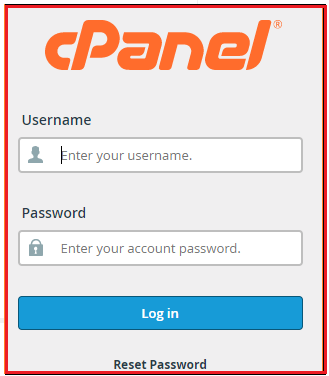
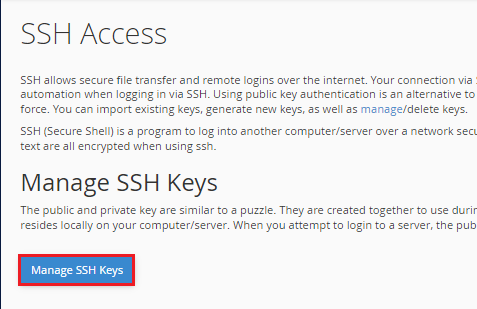
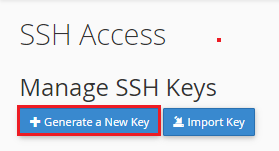
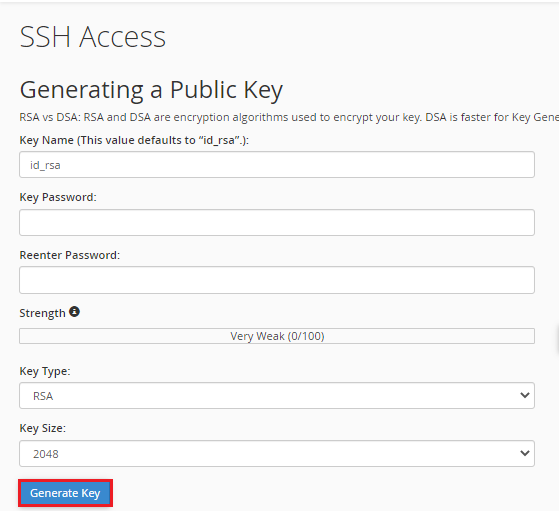
In this article, we will explain how to generate a new key SSH Access via cPanel

We hope that you now have a good understanding of How To Generate A New Key SSH Access. If you continue to have problems with the protocol outlined above, please contact the bodHOST Team for constructive assistance 24×7.
Read Also: How to SSH a server or SSH Server Access

Explore more hosting insights, tips and industry updates.
Terms Relating to Web Hosting (Series U, V, W) UDP – User Data gram Protocol.…
In this article, we have explained how to configure multiple network interfaces on Ubuntu 18.04.…
The aim of this article is to present two types of solutions offered by Microsoft…