How to Restart Apache on Dedicated Server
The only option for manually restarting any service is to use a dedicated server with…

Restoring a cPanel account is useful when you need to recover a website, email accounts, or other data from a backup. WHM provides a built-in Transfer/Restore feature that allows server administrators to restore cPanel accounts easily. This method is commonly used when moving accounts between servers or recovering data from a backup file.
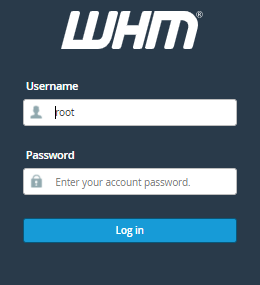
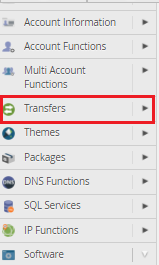

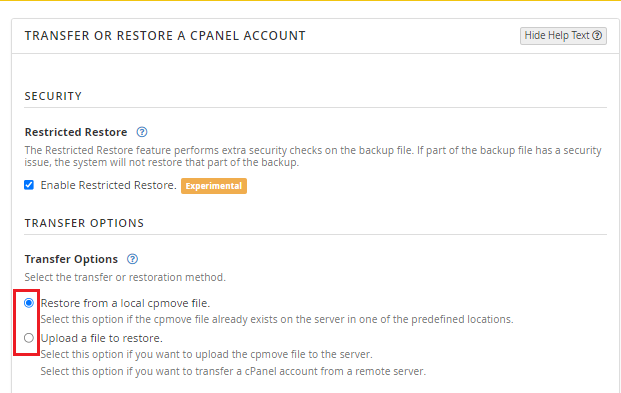
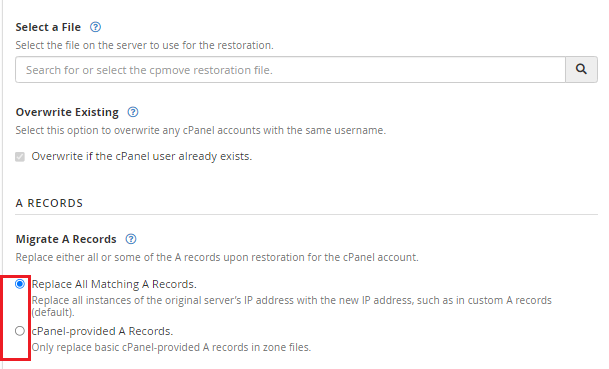
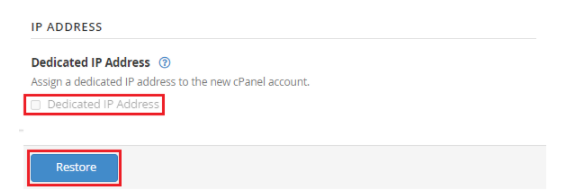
We hope that you now have a good understanding of restoring your cPanel Accounts Using The “Transfer” Option In WHM. If you continue to have problems with the protocol outlined above, please contact the bodHOST Team for constructive assistance 24/7.
Read Also: How To Create a cPanel Package In WHM?

Explore more hosting insights, tips and industry updates.
The only option for manually restarting any service is to use a dedicated server with…
Running into an SSL revocation error on your cPanel or Apache server can break secure…
Whether you want to transfer the benefits of your existing domain or just shift a…