
What is an A Record?
An A or Address record is used for pointing a domain or subdomain to an…


In this article, we will show you how to create web users in Plesk Panel, and it’s a simple process. You must complete a few steps before you can create your web user account in Plesk.
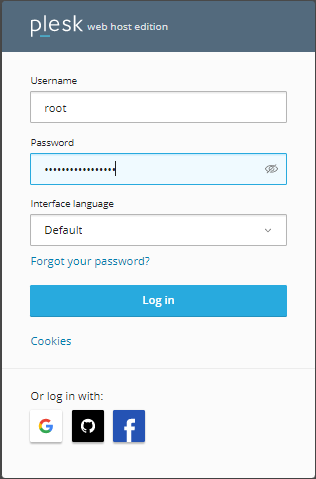
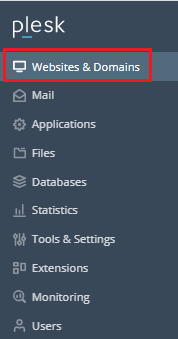
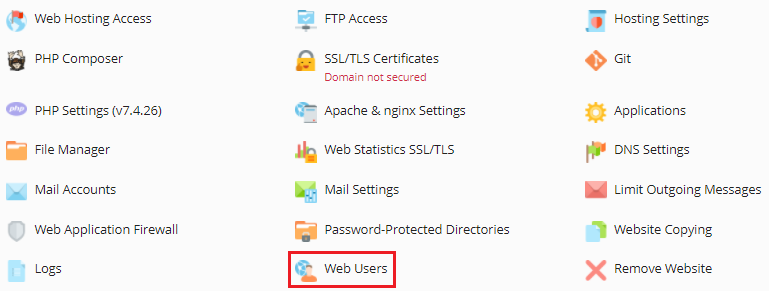
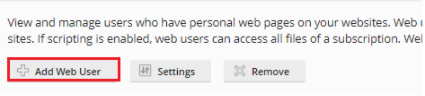
To create Web Users in Plesk follow the following steps
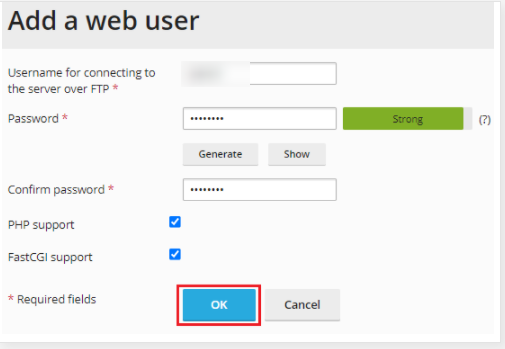
We hope that you now have a good understanding of How Can You Create Web Users In Plesk Panel. If you continue to have problems with the protocol outlined above, please contact the bodHOST Team for constructive assistance 24/7.

Explore more hosting insights, tips and industry updates.
An A or Address record is used for pointing a domain or subdomain to an…
CGI stands for Common Gateway Interface and Bin is a part of CGI which helps…
Veeam Task Manager for Hyper-V is a monitoring utility for a Hyper-V host and its…