How to Add to the PATH on Windows 10 and 11
This guide explains how to add to the PATH on Windows 10 and Windows 11,…

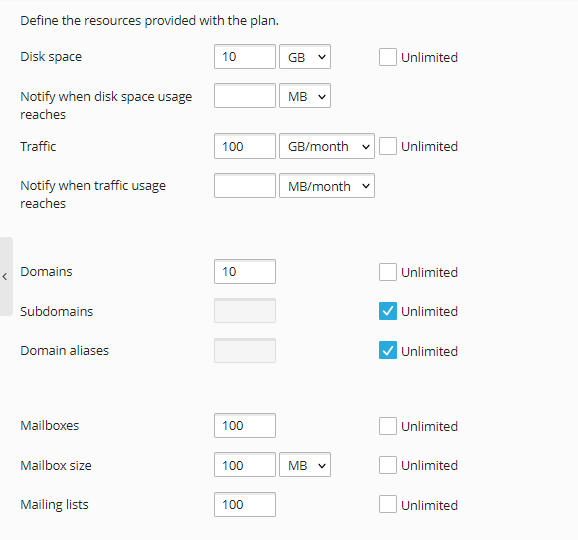
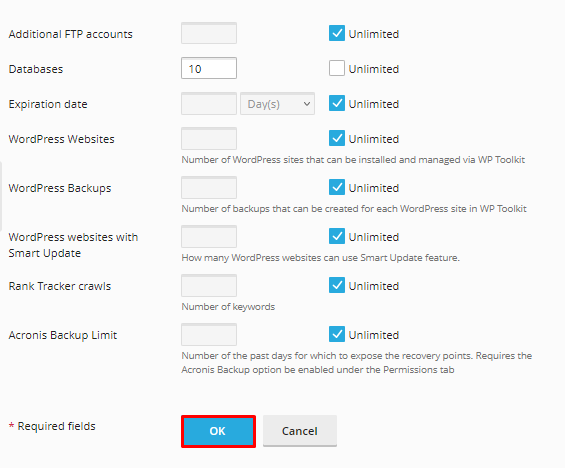
Subscription refers to a service plan that can be assigned to a client account, such as when setting up a new Plesk account and giving a package. To put it another way, a subscription is a bundle that includes an agreement that lets you use the service plans’ resources and services to run your website.
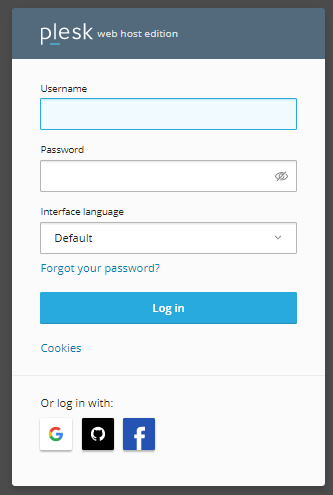
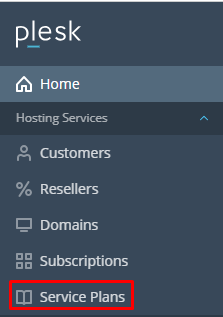
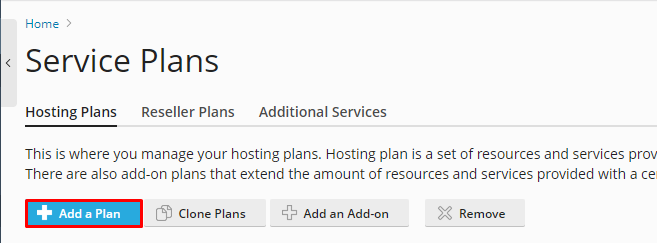
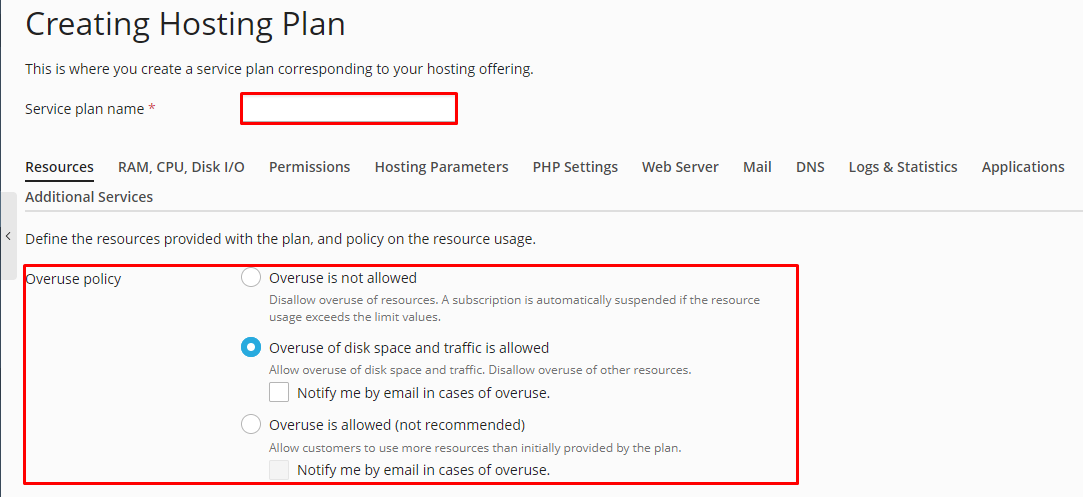
Let us guide you through the steps for creating a subscription package in Plesk.
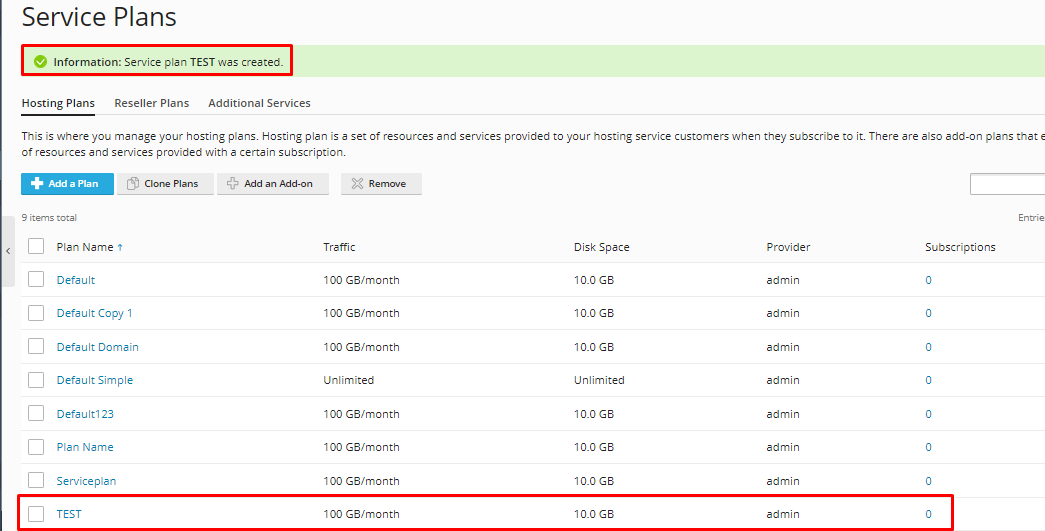
We truly hope you now have a clear understanding of how to create a Plesk subscription package. If you persist to have problems with the procedure outlined above, please contact bodHOST Team for proactive support 24×7.
You can learn more about How Can You Manage Users In Plesk. To create, manage, and remove a user,

Explore more hosting insights, tips and industry updates.
This guide explains how to add to the PATH on Windows 10 and Windows 11,…
In this article, we will explain to you how to use Plesk to delete an…
If you are pretty new to Linux and don’t know anything about security tweaks then …