
Microsoft eCommerce Dedicated Servers
Applications installed on a Windows dedicated Server also include Commerce Server. It is basically a…

If you want to create a domain alias in Plesk, this article will guide you through the process. Follow these steps to create a domain alias in Plesk. A domain alias can be used to direct numerous domain names to the same website. It is helpful in terms of advertising.
Note – If your website is accessible through the domain name example.com, you can register the domain name example.net and point it to test.com.
Follow the following steps to create the domain alias in Plesk.
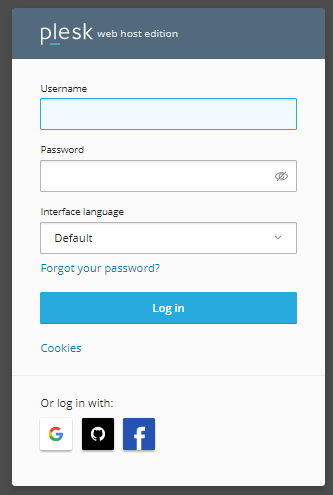
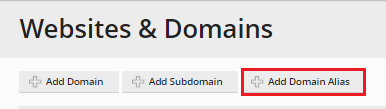
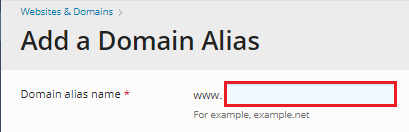

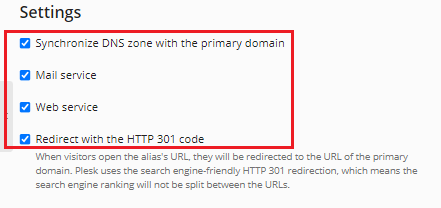

This process will take 1-2 minutes to complete, and you will receive a success notification message after it is completed.
In this manner, you may quickly create a Domain Alias in Plesk. If you continue to have problems with the procedure outlined above, please contact the bodHOST team for proactive help 24×7.

Explore more hosting insights, tips and industry updates.
Applications installed on a Windows dedicated Server also include Commerce Server. It is basically a…
This article explains how to install a Plesk license key. A license key is a…
This article will be of assistance to you. In cPanel and WHM, how can you…