
Linux – Terminal Server Client
Through Linux Terminal Server Client, we can connect to a Windows or Linux desktop which…


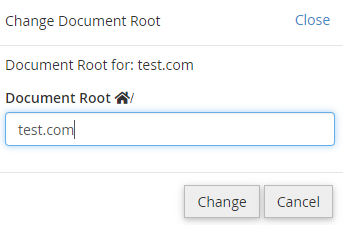
This guide will help you understand how to discover an Addon Domain’s path from cPanel.
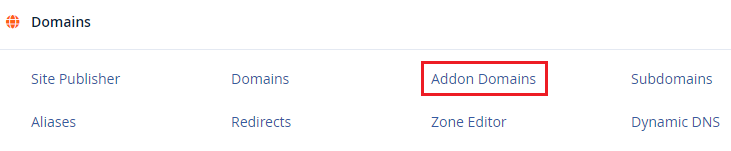
Let us follow the steps to discover an Addon Domain’s path from the cPanel:

You can find the route of an addon domain from cPanel in this way. For further assistance contact our customer support team at anytime. And also don’t forget to check our Web hosting plans today.

Explore more hosting insights, tips and industry updates.
Through Linux Terminal Server Client, we can connect to a Windows or Linux desktop which…
In this short & sweet tutorial, we will try to make our system admin’s job…
For Linux web hosting cPanel control panel is recommended and this application or software is…