PHP-Nuke Features and Benefits
PHP-Nuke is one of the early PHP-based content management systems designed for creating dynamic websites,…


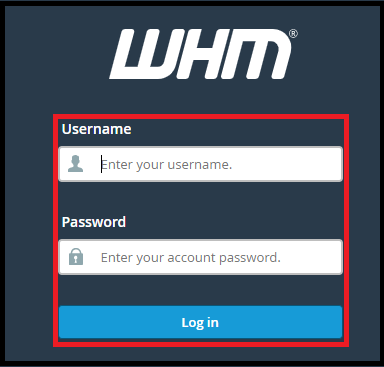
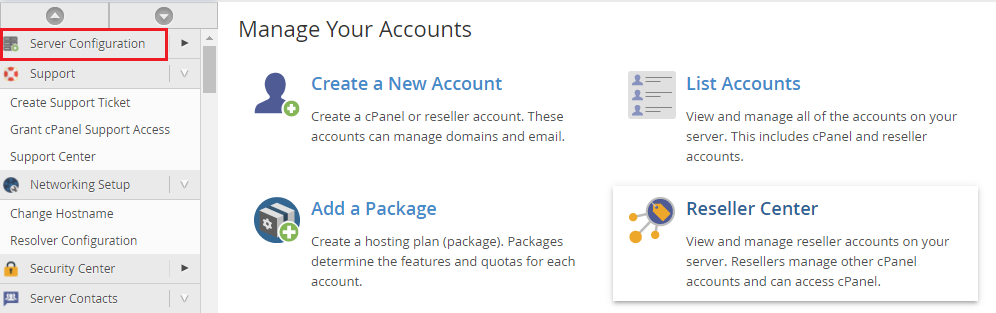
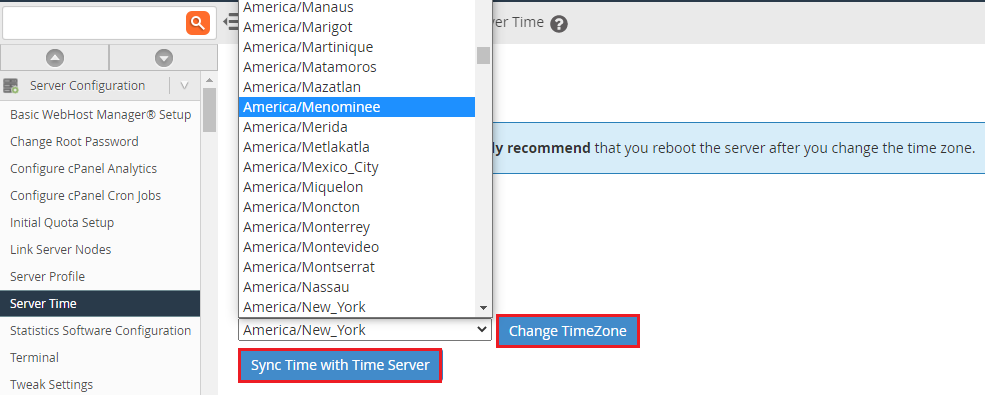
We will explain in this article In WHM, how do you change the server time.
This feature assists you in completing two tasks. You can configure the server’s time zone and sync its time with a time server.
To Configure the Server Time
If you’re having trouble setting or synchronizing your time, start a chat with one of our bodHOST support agents or submit a support ticket.

Explore more hosting insights, tips and industry updates.
PHP-Nuke is one of the early PHP-based content management systems designed for creating dynamic websites,…
Create a Secure Website Using HTTPS to protect user data, improve search rankings, and build…
Popular among several bloggers and web developers, WordPress is the easiest and most user-friendly platform…