
How to Change the Language in cPanel
cPanel is a widely used web hosting control panel that helps you manage your website,…

This tutorial will teach you how to change the language of the WHM interface.
The default language in the WHM interface is English. If you’re having trouble navigating the WHM interface, you can change the language to one you’re more comfortable with.
To Change the WHM Interface Language:
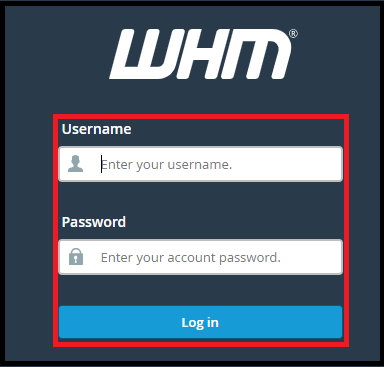
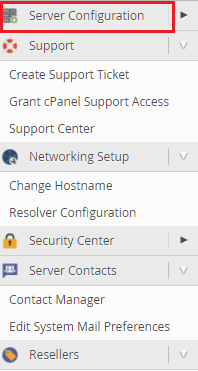
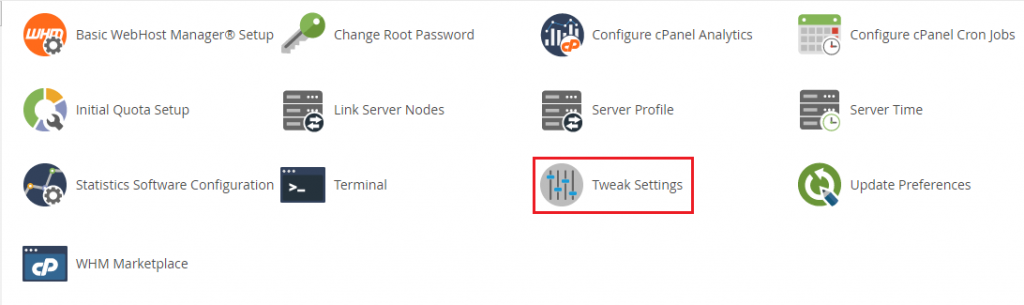

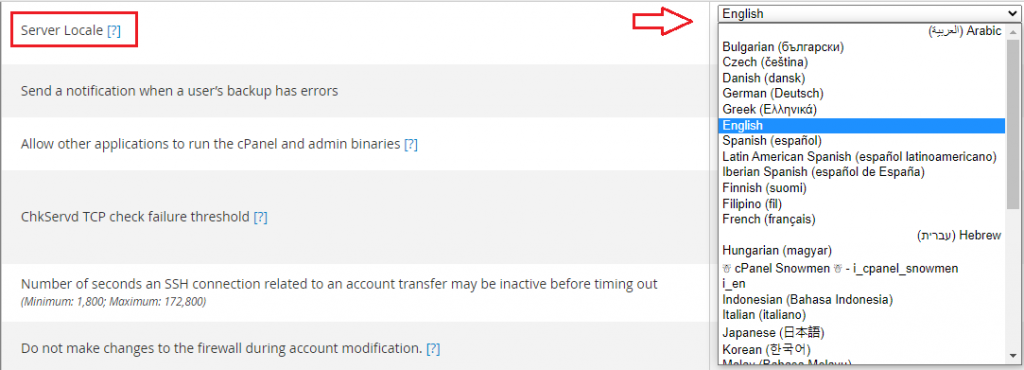
The interface on your WHM account will be in the language you selected previously the next time you log in. Do we sincerely hope that you must now have got a clear idea regarding How do you change the WHM interface’s language? However, if you are still facing any difficulty in the procedure mentioned above, feel free to reach out to the BodHOST Team for proactive support 24×7.

Explore more hosting insights, tips and industry updates.
cPanel is a widely used web hosting control panel that helps you manage your website,…
In this article, we will explain how to configure DMARC records in cPanel for email…
What is POP3 server? The POP3 stands for Post Office Protocol 3. POP3 provides…