

Secure WordPress Login: Two-Factor with QR Codes
In this post, you will find how to use QR codes as a two-factor authentication…


This topic shows how Plesk users can use the Customer Panel to manage PHP settings for their domains and subdomains.
Plesk supports out-of-the-box support for the PHP scripting language, including multiple PHP versions and handler types.
Let us follow the steps:
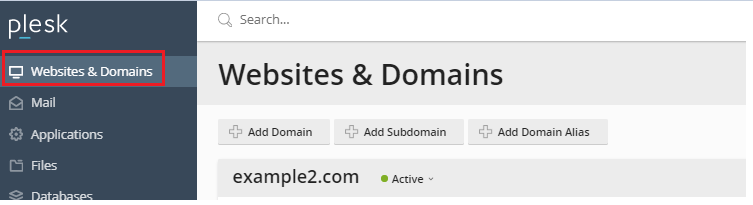
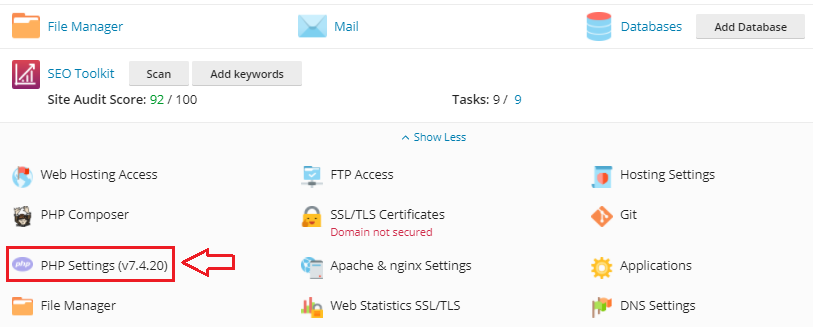
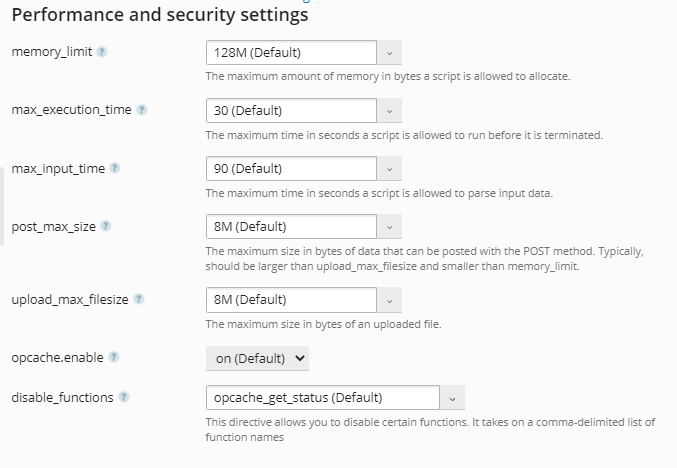
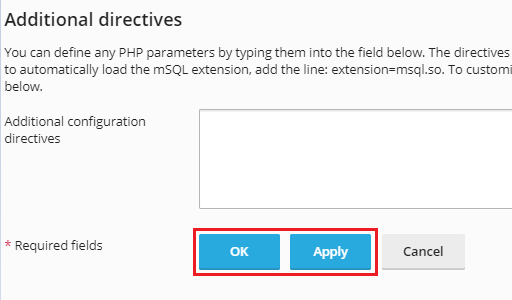

In such a method you can change PHP settings or parameters manually through Plesk Obsidian. For more information, you can regularly visit our KB section and for any service, you can contact our support team.

Explore more hosting insights, tips and industry updates.
In this post, you will find how to use QR codes as a two-factor authentication…
In this article, we will elaborate on how to utilize the track delivery function within…
This article explains how to install Git on Windows 10. It allows developers to efficiently…