SysCP – Open Source Control Panel
What is SysCP? SysCP is a web-based control panel designed to help administrators manage hosting…


You will learn how to alter themes on cPanel and WHM in this article. We’ll start with a cPanel tutorial.
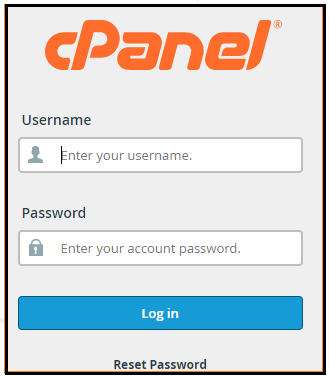
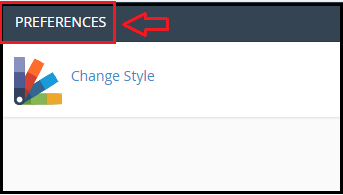
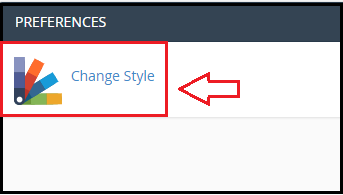
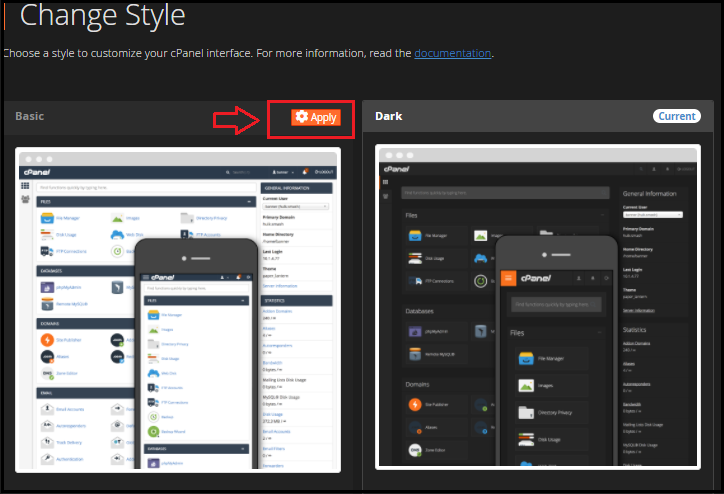
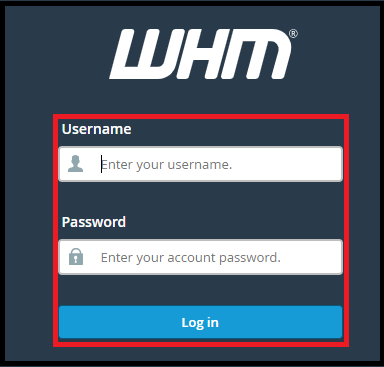
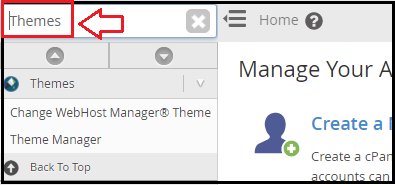
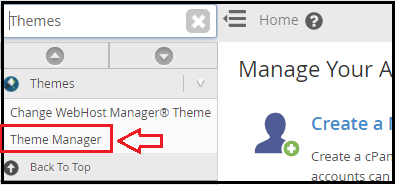
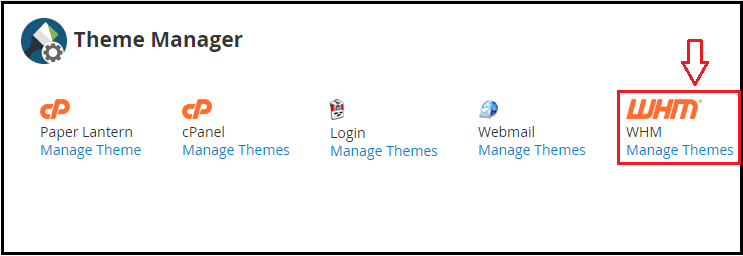
Now it’s time to discuss about How to find WHM themes”.
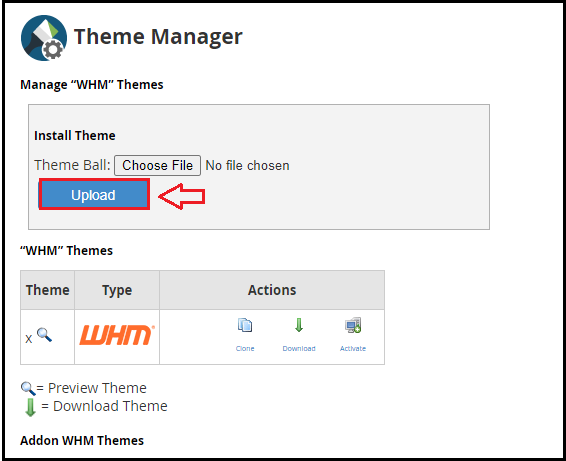
We hope that you now have a good understanding of Where can you find cPanel and WHM themes. If you continue to have problems with the protocol outlined above, please contact the bodHOST Team for constructive assistance 24×7.

Explore more hosting insights, tips and industry updates.
What is SysCP? SysCP is a web-based control panel designed to help administrators manage hosting…
In this tutorial, you’ll learn how to restart services in the Plesk control panel. You…
“As cloud computing grows in popularity the demand for high-capacity storage devices diminishes. Lowering the…