

How to blacklist an IP address in WHM using cPHulk
In this tutorial, we will show you how to blacklist an IP address in WHM…

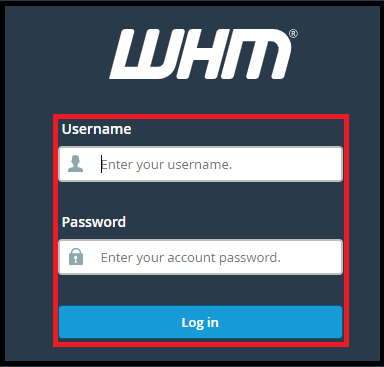
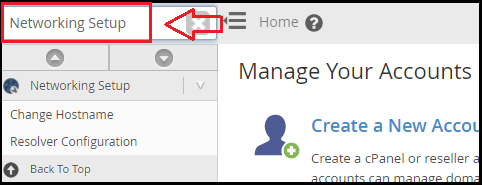
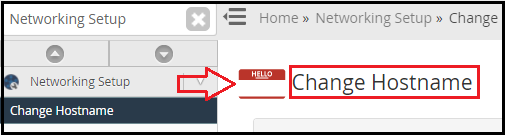
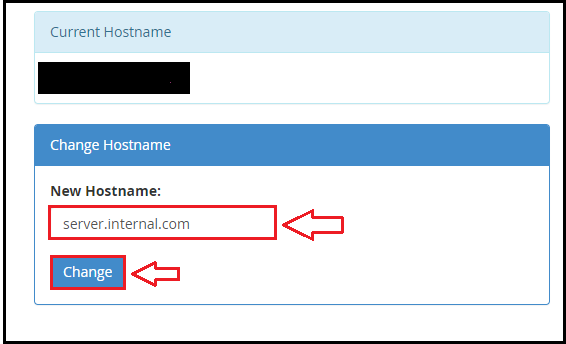
In this post, we will show you how to change your cPanel web host’s hostname. The hostname of a device is usually set during the setup process. Many people are unconcerned about this and do not change the hostname, even though it was set to something absurd by the data center that implemented the device.
Changing your host name is a simple procedure.
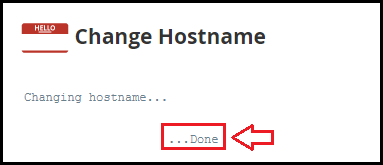
We sincerely hope that you now have a good understanding of how to change the host name in cPanel Web Host with cPanel, or if you want to change the host name via SSH, click here. If you continue to have problems with the protocol outlined above, please contact the bodhost.com Team for constructive assistance 24×7.

Explore more hosting insights, tips and industry updates.
In this tutorial, we will show you how to blacklist an IP address in WHM…
If you are currently using a VPS for your website and related services, then the…
The ongoing innovations from VMware have created the impression that customers looking for more affordable…