
How to Create a Thumbnail Image Using cPanel
In this tutorial, we will explain to you how to make image thumbnails in cPanel.…


Brute force attacks, spoofing, and sniffing are all possible with FTP data. The protocol has been removed from the product, resulting in a more stable default cPanel & WHM setup as well as more server customization. As a result, in version 11.86 and higher, FTP is disabled by default.
Please see the article below for more detail on this and potential alternatives.
Do you need to add FTP users to your cPanel account, or do you want to allow FTP services for all of your users? The steps to allow FTP access for the server and add users to a cPanel account are detailed below.
Follow the procedure:
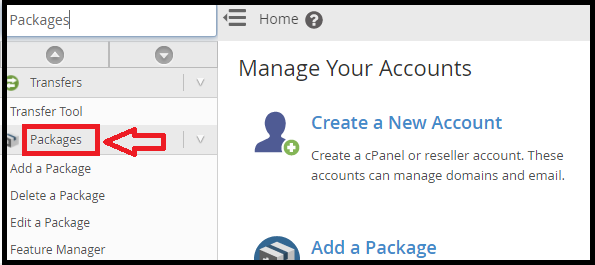
Enabling FTP in WHM (For this document we will use Pure-FTPd)
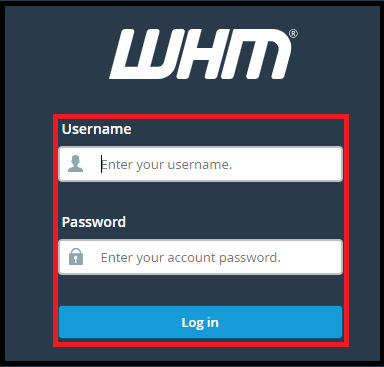
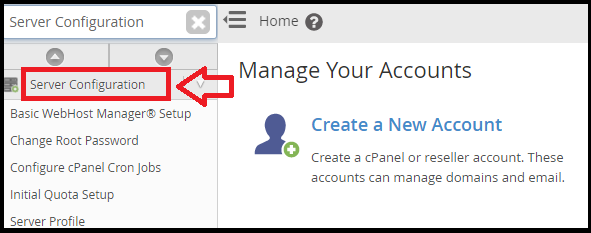
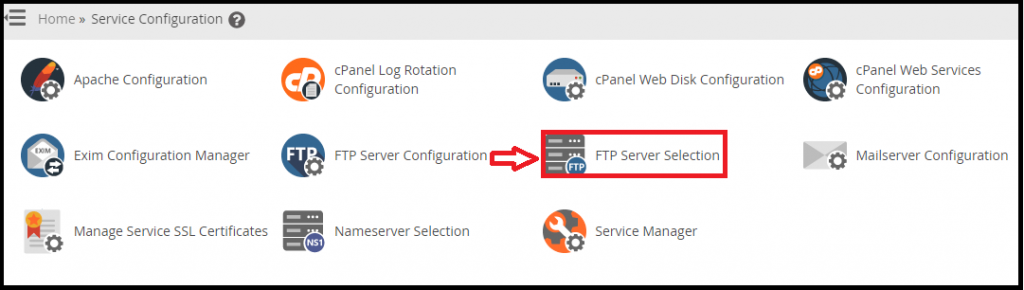
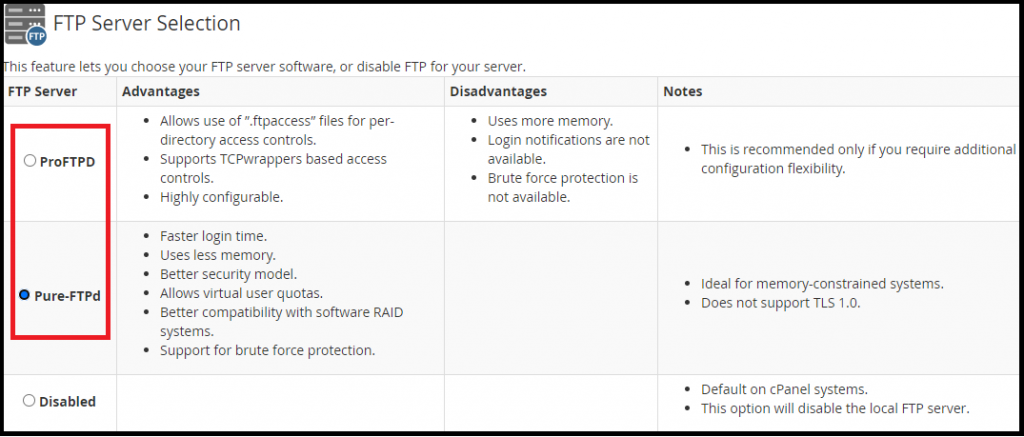
Enable FTP user creation and controls for users
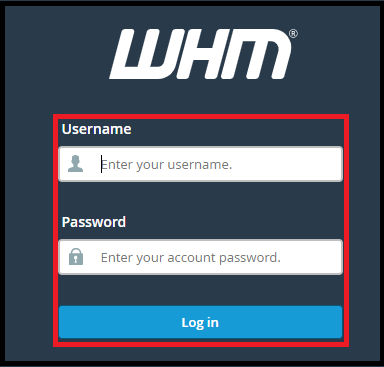
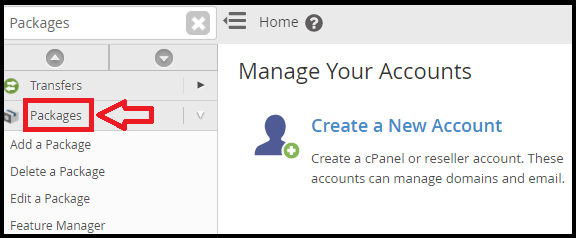

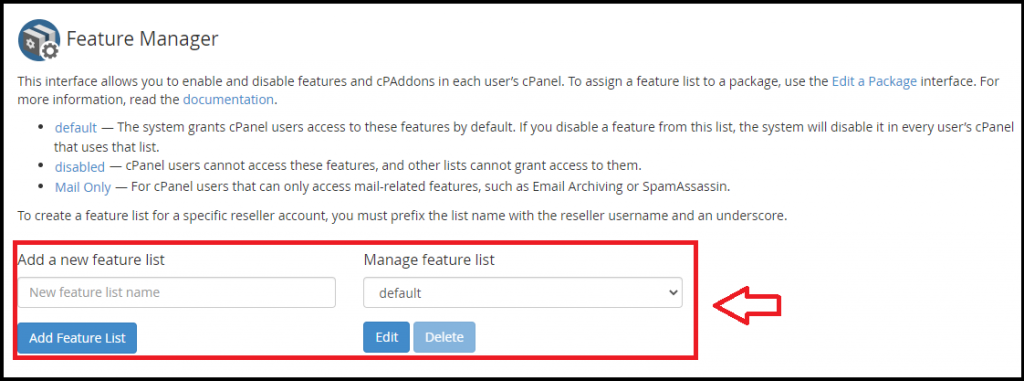
Put a check in the boxes for FTP Account Manager and FTP Settings.
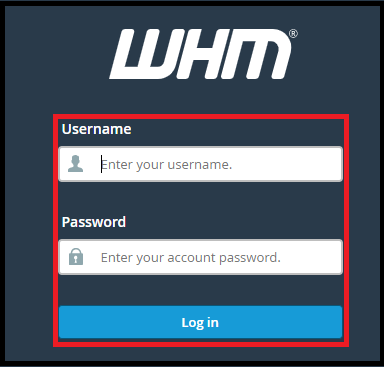

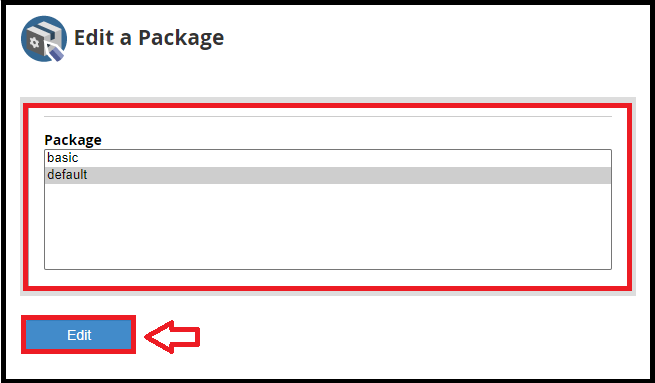
Set the Max FTP accounts to a number you are comfortable with or set to unlimited.
Add FTP user to cPanel account
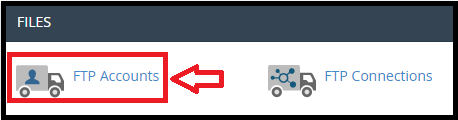
For more information about the FTP Accounts Tool, please refer to the following document.
For more help with your hosting, visit our Knowledge base.

Explore more hosting insights, tips and industry updates.
In this tutorial, we will explain to you how to make image thumbnails in cPanel.…
The web disk account allows you to easily navigate, upload and download files between the…
VPS Server vs. Dedicated Server VPS servers and dedicated servers are the two forms of…