
Disk Quota Check-in ensim, fixing quotas manually for Ensim
If you are getting the following errors in your logs : Sep 5 21:51:43 srv01…


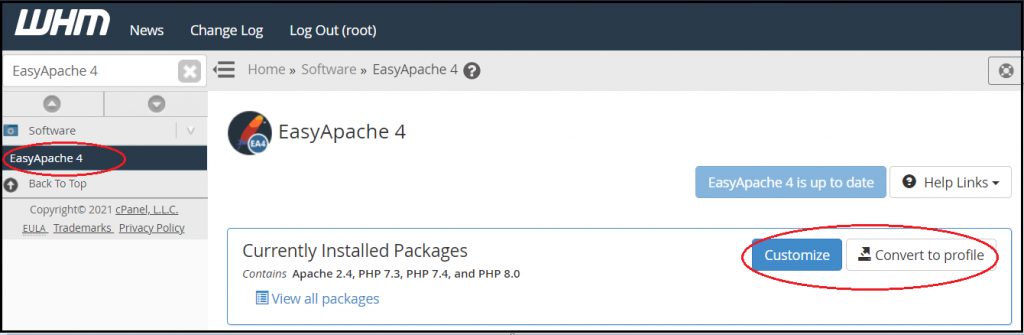
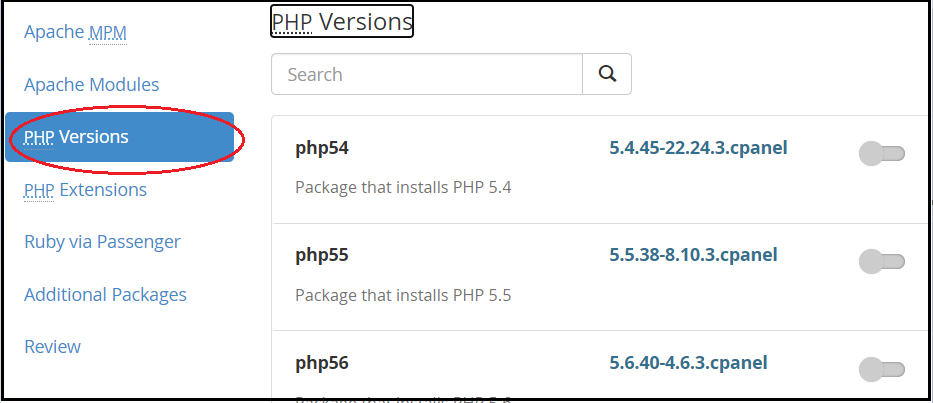
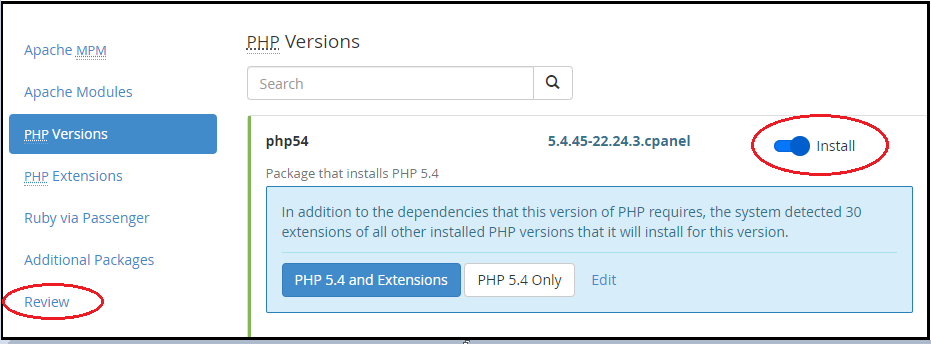
In this knowledge-base, one can find how to Install new versions of PHP via WHM’s EasyApache interface. PHP Up gradation may be done easily from WHM’s EasyApache 4 interface. This interface allows to update and install Apache, PHP, and other components of the web server.
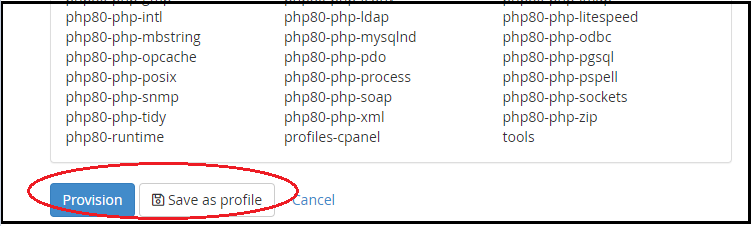
We sincerely hope that you now have a clear idea of the process of installing the latest PHP version on cPanel. However, if you are still facing any difficulty in the procedure mentioned above, feel free to reach out to the bodHOST Team for proactive support 24×7. Check out our web hosting plans today.

Explore more hosting insights, tips and industry updates.
If you are getting the following errors in your logs : Sep 5 21:51:43 srv01…
This guide demonstrates the process of logging into WordPress. WordPress is an open-source content management…
Fatal error: Undefined class name ’string’ in /usr/local/cpanel/base/horde/turba/lib/Turba.php on line 168. This error caused by…