What Is an MCP Server? Key Features & Benefits
An MCP server uses the Model Context Protocol (MCP) to provide an AI application with…

 Paul Lopez
To remotely connect to a MySQL database, you can use a database management tool or command-line interface. Start by ensuring that your MySQL server is configured to accept remote connections.
Then, from your remote device, use the MySQL client to connect to the server by specifying the host IP address or domain, username, and password.
Once connected, you can manage and query the database from your remote location, making it a convenient way to access and work with your MySQL database from anywhere with an internet connection.
In this article, we will explain how to remotely connect to the MySQL database.
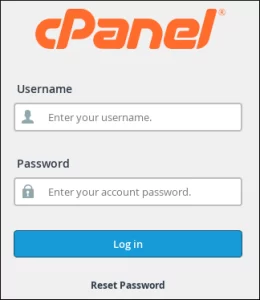
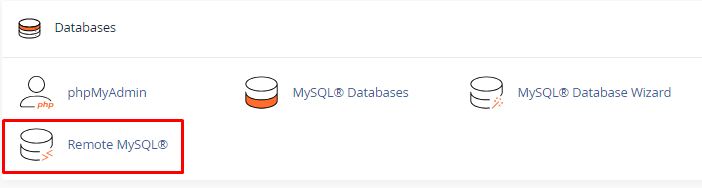
Follow these steps to remotely connect to the MySQL database:
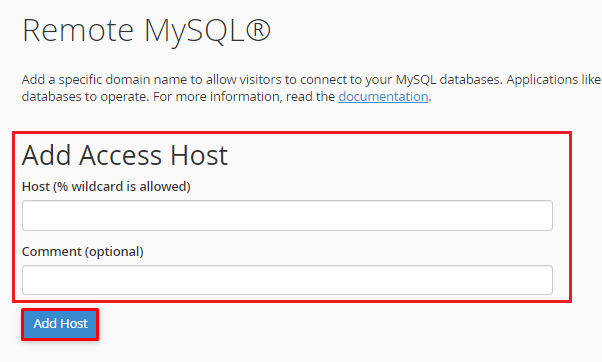
Note: We advise you to get in touch with your host to request the full whitelisting of your static IP address in the firewall, which will help prevent any future inconsistencies.
In this way, you can remotely connect to MySQL Database.

Explore more hosting insights, tips and industry updates.
An MCP server uses the Model Context Protocol (MCP) to provide an AI application with…
This article will help you learn how to check the usage of cPanel disk space.…
How is a Virtual Private Server different than shared hosting? A VPS (Virtual Private Server)…