
How to Add an Addon Domain in cPanel
An Addon Domain allows you to host an additional domain name on your existing hosting…

In this article, we will explain how to effectively control email deliverability settings in cPanel, aiding in the mitigation of undesired emails.
Here, you have the option to employ DKIM to authenticate the source of incoming email messages and detect any alterations that might have occurred during transmission. Enabling DKIM involves the sender digitally signing a message using a private key.
In this process, the recipient utilizes DNS to access the sender’s public key and verify the message’s signature. Should the signature fail validation, the message will be deemed counterfeit and categorized as spam.
Follow the following steps to manage DKIM settings:
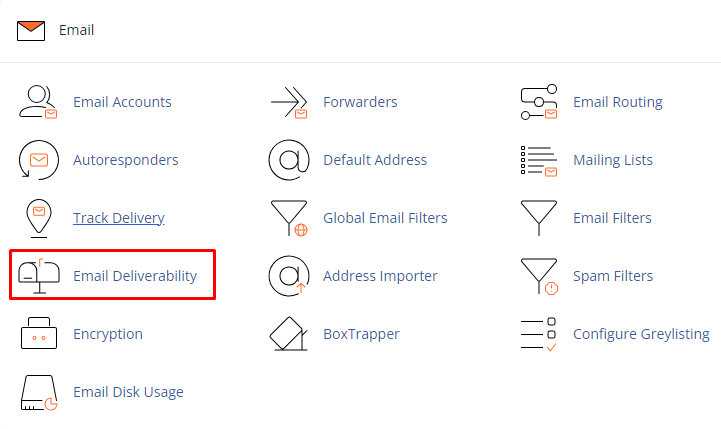
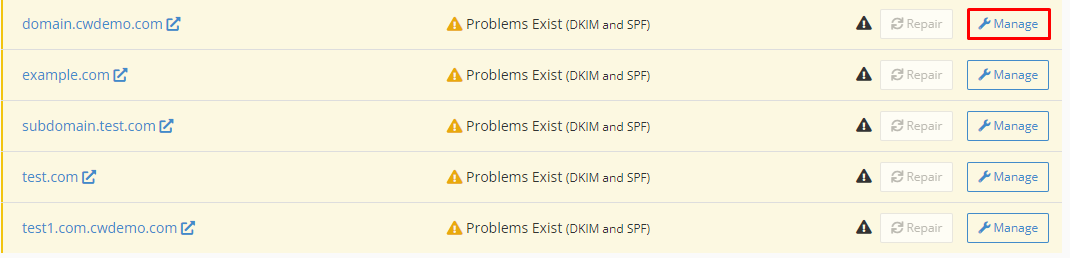
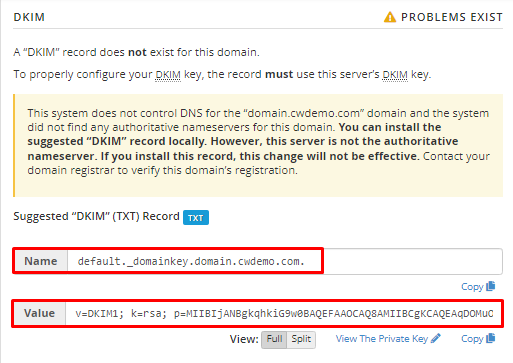
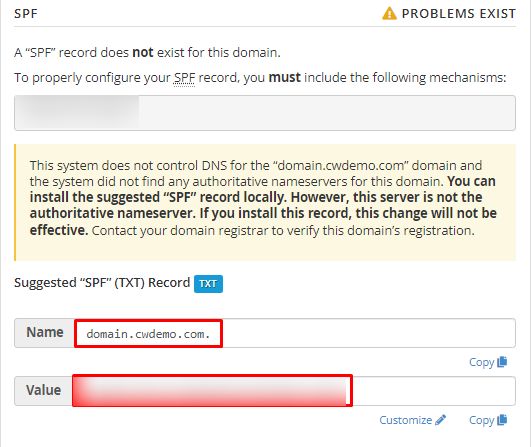
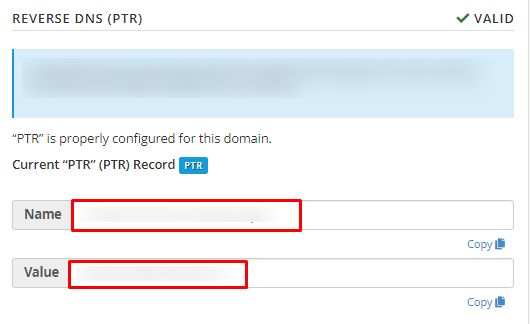
Alternatively, you have the option to request your web hosting provider to add a PTR record. By following these steps, you can effectively oversee email deliverability settings in cPanel.
Did you find this article helpful? Explore bodHOST’s plans for a pre-secured and pre-optimized website experience today.

Explore more hosting insights, tips and industry updates.
An Addon Domain allows you to host an additional domain name on your existing hosting…
Cloud Hosting PHP Bodhost offers several different levels of cloud hosting to meet the varying…
If you want to add a module in Zikula then you can follow the following…