How to Resolve LVM/MD Configuration Error in Remote Backup
Here are steps to resolve LVM/MD configuration error in Remote Backup 1) log in to…

This article will detail the process of enhancing the WordPress memory limit within cPanel.
The default memory limit is 32MB, which may prove insufficient for your website’s needs. Fortunately, numerous alternative approaches exist for expanding this limit.
Here, you have the option to make adjustments to the .htaccess or wp-config.php files, configure it through cPanel, or consider upgrading your web hosting plans.
Follow the following steps to increase the WordPress Memory Limit:
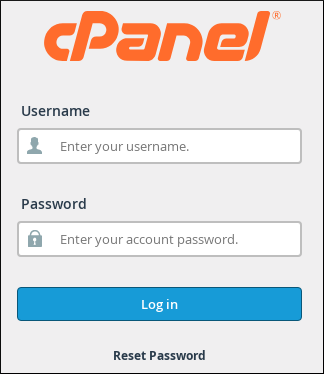
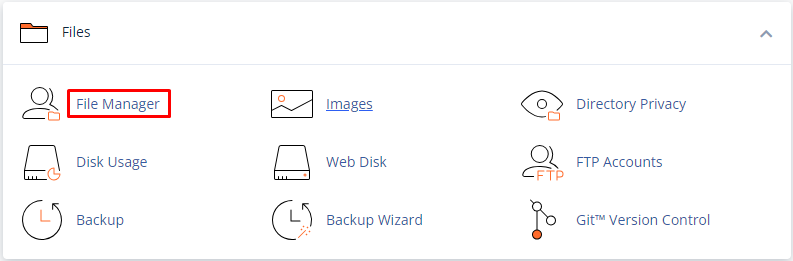
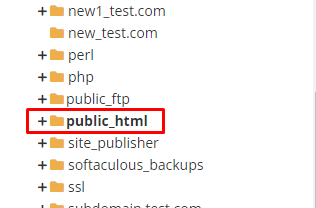
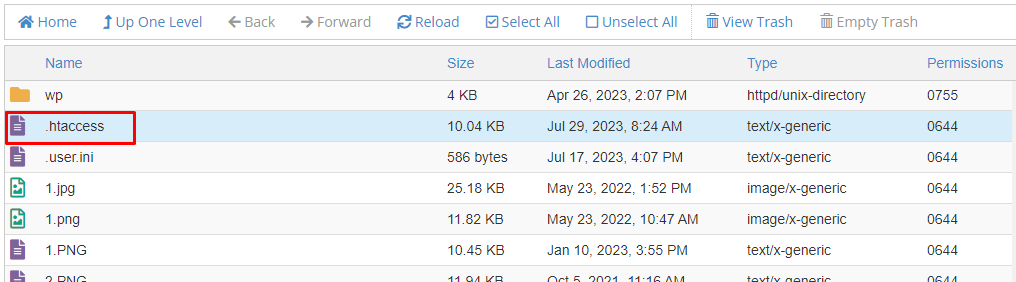
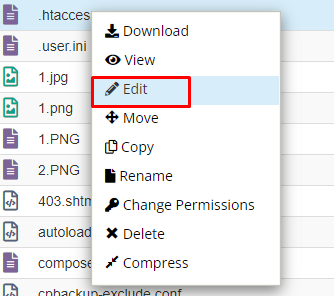
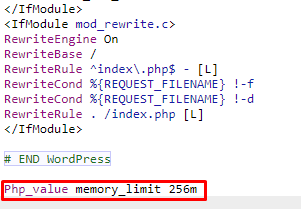
Following this approach, you can successfully raise the WordPress memory limit within cPanel. For additional insights into cPanel, please refer to our bodHOST knowledge base section. Learn more about how to incorporate a new link into the WordPress sidebar.

Explore more hosting insights, tips and industry updates.
Here are steps to resolve LVM/MD configuration error in Remote Backup 1) log in to…
Round-trip time (RTT) is a critical metric in networking that measures the time taken for…
This article will explain to you what is BoxTrapper and how to set up BoxTrapper…