vShield Detect Unprotected Sensitive Data and Protect it Automatically
The high availability of VMware vSphere has improved. The site recovery manager is an automated…

 Paul Lopez
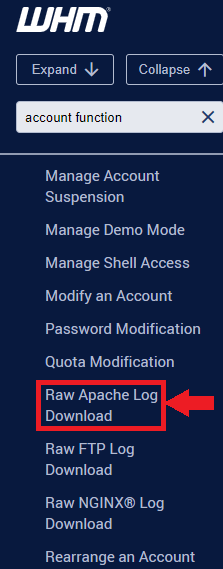
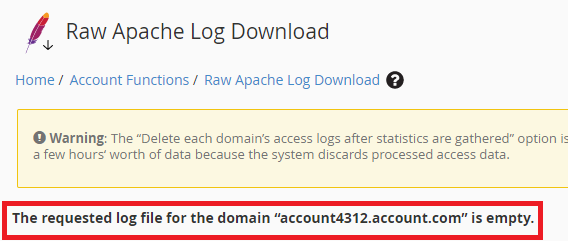
This post will show you how you can download the Raw Apache logs from WHM for a particular account. The raw Apache logs are text files in plain text that consist of a list of all the connections that users have made to a certain domain.
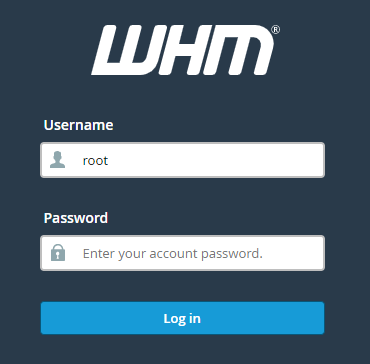
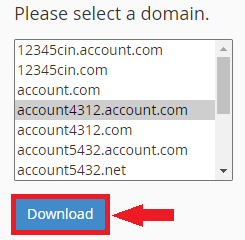
The Raw Apache Logs domain can be downloaded by the following procedure:
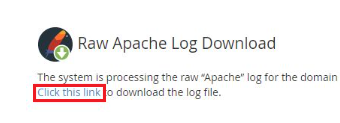
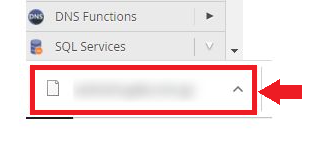
And that’s it! We hope this allows you to access the Apache logs in their original format. Please get in touch with the bodHOST support staff if you experience any issues.

Explore more hosting insights, tips and industry updates.
The high availability of VMware vSphere has improved. The site recovery manager is an automated…
In this article, we will demonstrate how to do a ping test in Windows. In…
The ‘du’ command in Linux is a standard Unix/Linux command to check the capacity of…