
How To Perform A Full Website Backup?
Performing a backup within your cPanel is a simple and straightforward process. Normally we recommend…


In this guide, you will learn how to create a ZIP file using 7-Zip. Compressing files is a suitable way to combine multiple files into one. It is particularly useful for safe file transfers over the internet and can support bypassing email filters that block certain file types, as .zip files are generally accepted.
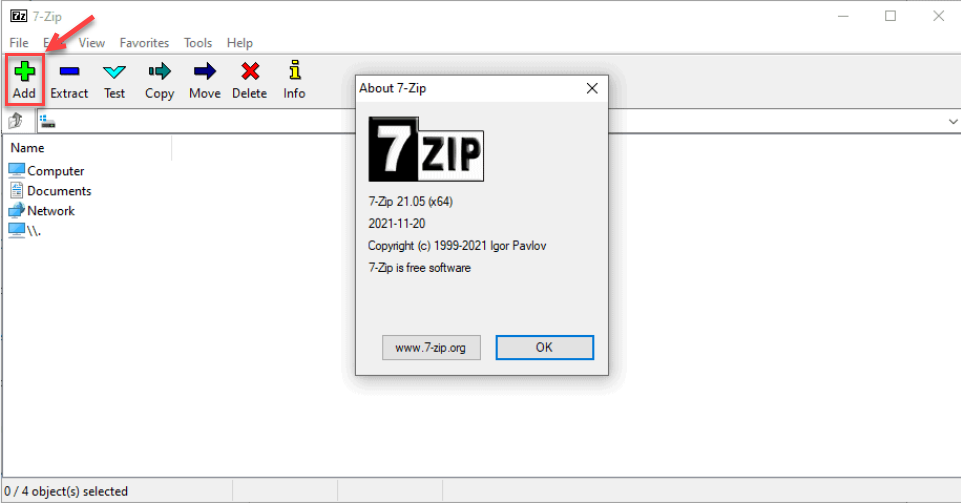
Your file will be compressed into a .zip archive in the same location as the original.
If you’re interested in file compression through the terminal, you can also read about How to Zip Files Using Command Prompt.

Explore more hosting insights, tips and industry updates.
Performing a backup within your cPanel is a simple and straightforward process. Normally we recommend…
1. Log in to cPanel >> Choose FTP Accounts FTP accounts allow you to access…
What is an SSL certificate, and how to Fix SSL errors? Have you come across…