Hyper-V: Protection Against Malicious DHCP with DHCP Guard
Note: this option is available on Windows Server 2012 The service DHCP is ever present…

 Paul Lopez
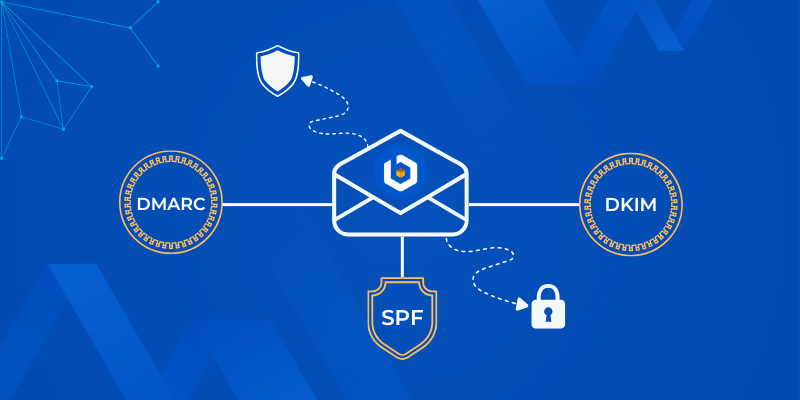
When setting up email for your domain, many users think about how to add TXT SPF DKIM DMARC records for domain and whether they’re necessary. These DNS records are a key part of email authentication and help protect your domain’s sender reputation while improving email deliverability.
If they’re missing or not configured correctly, your emails may end up in spam folders or be rejected entirely. In this knowledgebase article, we’ll explain what TXT, SPF, DKIM, and DMARC records are, why they matter, and how to add them correctly using bodHOST-supported DNS managers.
This guide will help users understand with exact steps and proven best practices used by hosting professionalsacross the globe.
Quick Answer
To add TXT SPF DKIM DMARC records for your domain, log in to your DNS manager and create TXT records using the values provided by your email service. Save the changes and allow time for DNS propagation. Once configured correctly, these records help prevent email spoofing and significantly improve email deliverability.
A TXT record is a DNS record type used to store text-based information linked to a domain. While TXT records can serve different purposes, they are mostly used for email authentication and domain verification.
When you add SPF, DKIM, or DMARC for email, they are all added as TXT records within your domain’s DNS zone.
Email authentication standards work together to protect your domain from spoofing, phishing, and unauthorized email usage.
When you set up these records correctly, email providers like Gmail, Outlook, and Yahoo are more likely to trust your messages and deliver them to inboxes instead of spam folders.
SPF or Sender Policy Framework defines which mail servers are authorized to send emails using your domain name. It helps receiving servers verify the source of an email.
v=spf1 include:_spf.examplemail.com ~all
DKIM, or DomainKeys Identified Mail, is an email authentication protocol that adds a digital signature to outgoing emails. This signature lets the receiving mail server verify that the message content remains unchanged during transit.
Your email service publishes the DKIM public key in your DNS as a TXT record, and your mail server uses the private key to sign outgoing messages.
DMARC or Domain-based Message Authentication Reporting and Conformance builds on SPF and DKIM. It tells receiving mail servers what to do if authentication fails.
v=DMARC1; p=none; rua=mailto:[email protected]
In addition, DMARC enables reporting, which allows you to monitor email activity on your domain.
You can add these records from the DNS manager that hosts your domain. At bodHOST, you can do this through cPanel or the domain control panel.
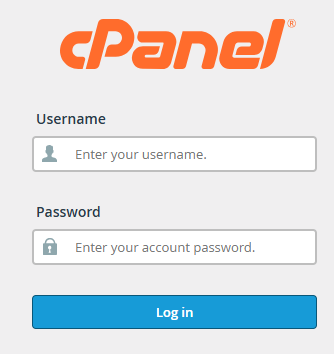
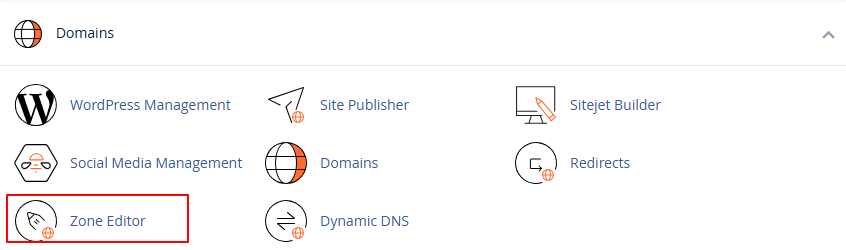

Repeat this process for SPF, DKIM, and DMARC as required.
| Record Type | Host Name | Value |
| SPF | @ | v=spf1 include:mail.example.com ~all |
| DKIM | selector1._domainkey | v=DKIM1; k=rsa; p=publickey |
| DMARC | _dmarc | v=DMARC1; p=none; rua=mailto:[email protected] |
Adding TXT SPF DKIM DMARC records for your domain is essential if you want consistent email delivery and domain-level protection. These records work together to authenticate your emails, reduce spam complaints, and build trust with receiving mail servers. Once you configure and verify these records, they form the foundation of a secure and reliable email setup.
If you are unsure about the record values or still face email delivery issues after setup, the bodHOST support team can review your DNS configuration and align it with email provider best practices.

Explore more hosting insights, tips and industry updates.
Note: this option is available on Windows Server 2012 The service DHCP is ever present…
In this article, we have explained how to store backups on a remote server via…
This tutorial assumes you are already logged in to PayPal. Click on the profile link.…