What Is HTML?
HTML (HyperText Markup Language) is the standard language used to create and structure web pages.…

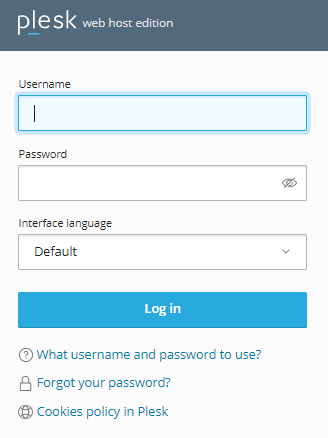
It is pretty easy to modify the virtual directory in Plesk. And so, in this post, we will walk through how you can manage the virtual directory in Plesk.
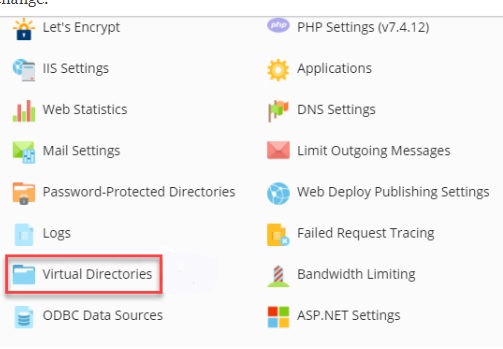
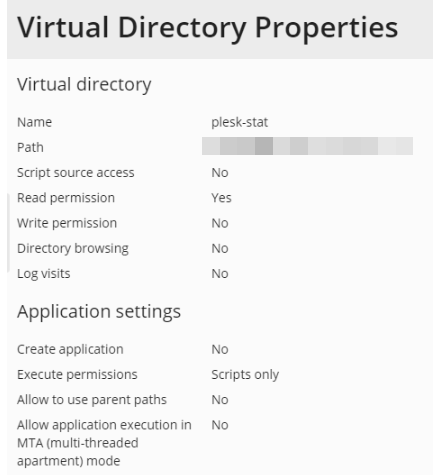
This way you can easily alter a virtual directory in Plesk. I hope you found this post helpful. For more insightful assistance and the latest updates, please visit the bodHOST page.

Explore more hosting insights, tips and industry updates.
HTML (HyperText Markup Language) is the standard language used to create and structure web pages.…
When a site displays an HTTP 499 error, it indicates that the client terminated the…
ECC memory for servers is a type of RAM that detects and corrects data errors automatically…