How To Change Your PHP Version In Plesk
This article will explain how to update the active PHP version on an account using…

 Paul Lopez
My Extensions screen’s layout is completely customizable by users. You can alter the “My Extensions” display screen in Plesk by following a few simple instructions as provided in this post:
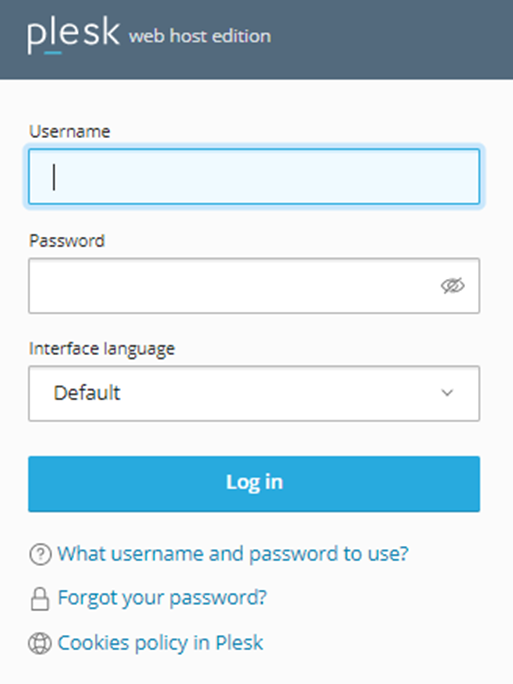
Log into Plesk
Navigate to “Server Management”, under that tab choose the “Extensions” option.
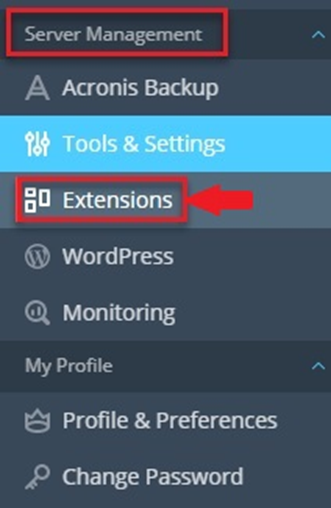
The extensions page will open. Now select the “My Extensions” option

From the upper right corner of the screen, select “Customize.”
Now, you can drag and drop the extensions to change their order.
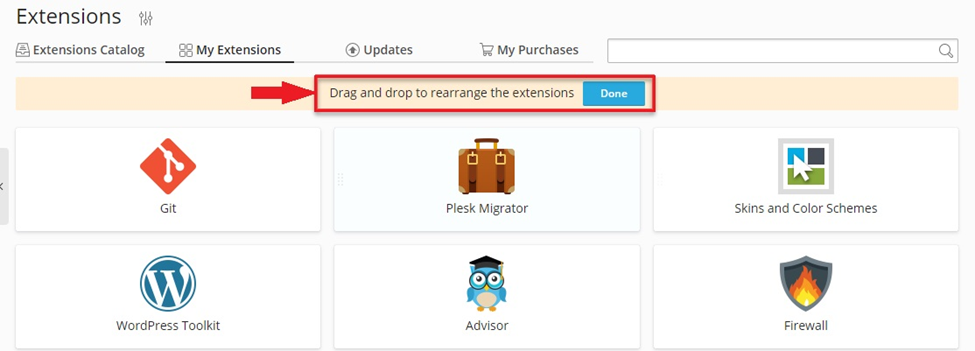
Click on “Done” after you have finished altering your display screen.

You may customize the “My Extensions” Plesk display screen in this manner.
If you found this post helpful, then please visit the bodHOST page for more information and support services.

Explore more hosting insights, tips and industry updates.
This article will explain how to update the active PHP version on an account using…
Apt-file to explore the Debian packages: when one uses only the command line on Linux,…
Domain Name Server / Services is one of the main concerns on the Internet. The…