What Is VLAN – How Do I Create It?
What is a VLAN?VLAN stands for Virtual Local Area Network. Technically, VLAN or virtual LAN…

 Vincer
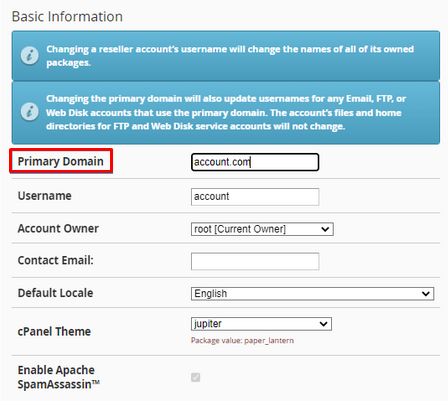
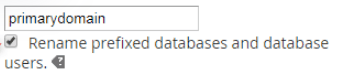
In this article, we will explain how to change your primary domain in WHM. If you use multiple aliases or parked domains in a cPanel account, you may want to alter the primary environment for that cPanel account. Changing the main part in cPanel is desirable for a variety of reasons.
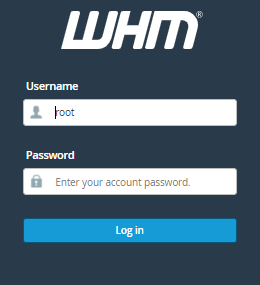
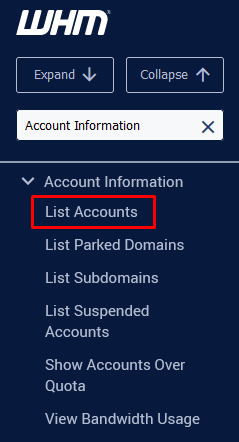
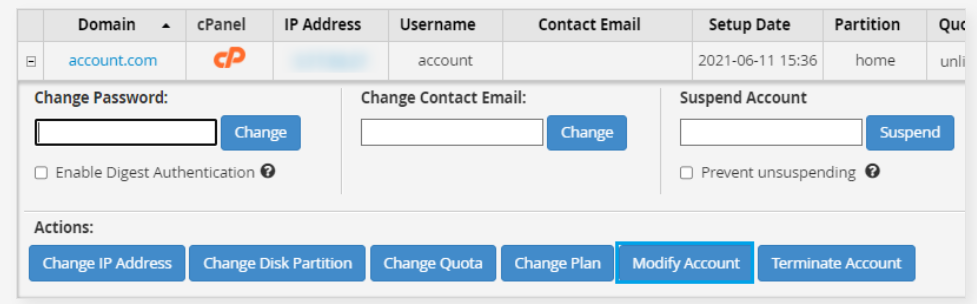
To change the primary domain, you need to follow the following steps:

For more information, Visit the bodHOST KB section regularly for the latest articles related to web hosting.

Explore more hosting insights, tips and industry updates.
What is a VLAN?VLAN stands for Virtual Local Area Network. Technically, VLAN or virtual LAN…
This guide will help you to understand how to use WHM to use the “Generators…
The tutorial provides a solution for the SMTP 530 error: “denied access” occurred on the…