
Frontpage Password Reset
If you are not able to login to your front page with the same password…

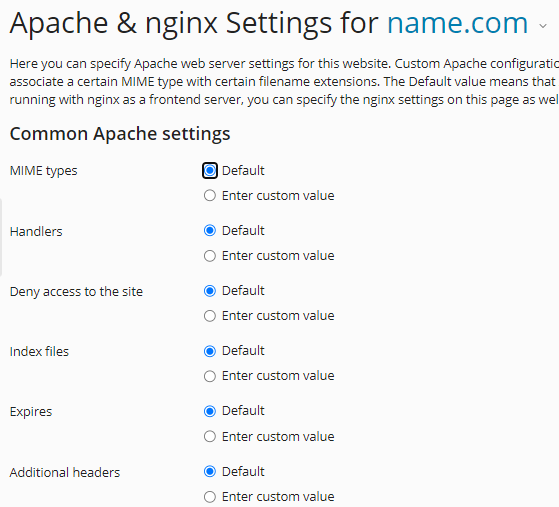
You can alter the settings for Apache and Nginx in Plesk using the instructions in this guide. Common web servers like Nginx and Apache assist in delivering web pages to consumers’ browsers.
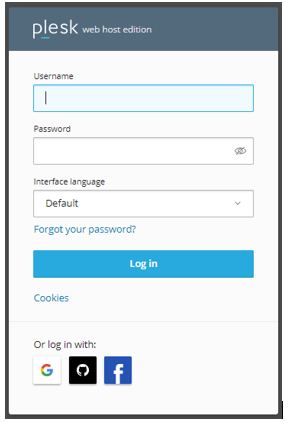
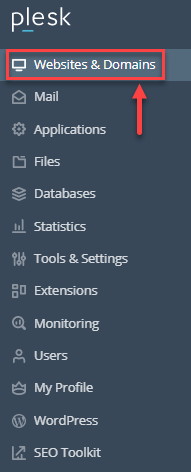
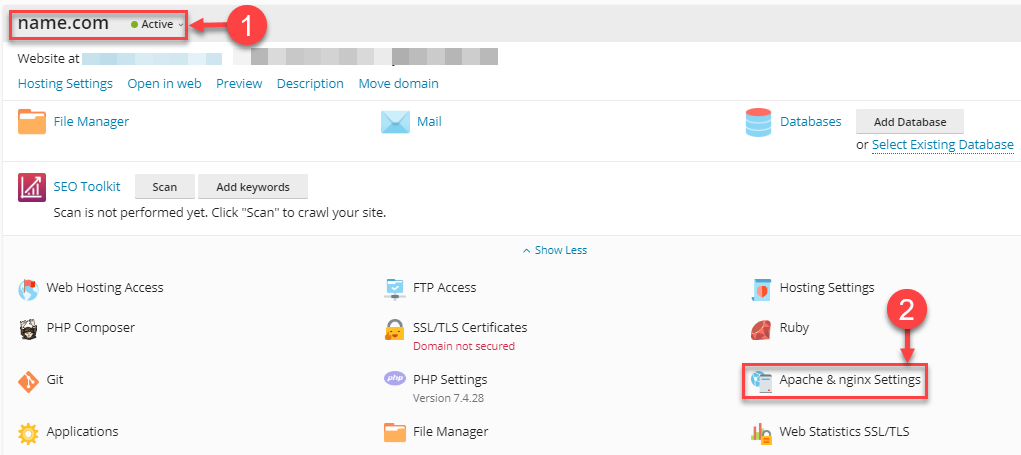
Changes to Apache and Nginx settings should be made as follows:


This makes it simple to change the settings for Nginx and Apache in Plesk. Visit our KB section at any moment for more updates. Check out today’s web hosting plans as well.

Explore more hosting insights, tips and industry updates.
If you are not able to login to your front page with the same password…
The ongoing innovations from VMware have created the impression that customers looking for more affordable…
WHM is the administrator control panel for your reseller or VPS account. It gives you…