FAQs – CloudFlare CDN and PHP
1- How to install CloudFlare CDN on my domain? Ans: To activate the CloudFlare CDN,…


In this article, we will explain to you how to use Plesk to delete an FTP account. FTP allows transferring files from one computer to another. For a large number of files to upload and download, an FTP client is the easiest way.
Let us follow the steps to use Plesk to delete an FTP account:
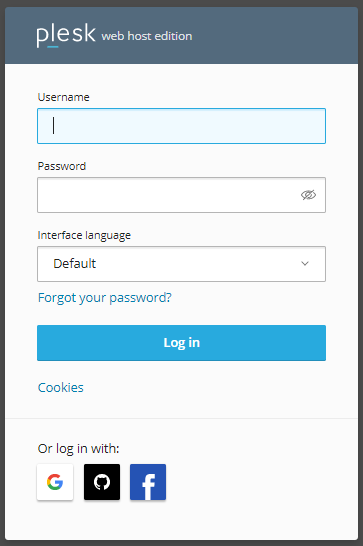
1. Log in to Plesk.
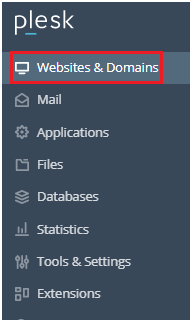
2. Select the “Websites & Domains” option.
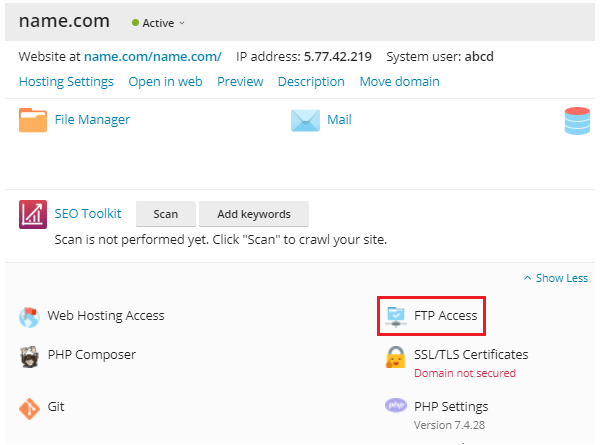
3. Select the domain and click on the “FTP Access” option.
4. Tick the box of the account you want to delete.
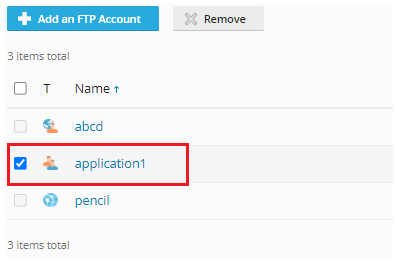
5. Click on the “Remove” button.

6. It will ask you again, so click on the “Yes, remove” button.

7. You will receive a success message.
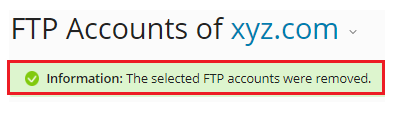
So, that’s it! Wasn’t it helpful to you? If you land up with an issue, you can anytime contact bodHOST support staff. They are available for you 24×7.

Explore more hosting insights, tips and industry updates.
1- How to install CloudFlare CDN on my domain? Ans: To activate the CloudFlare CDN,…
If Security security-enhanced server or SELinux is enabled on your server, there is a default…
A reverse proxy acts as a gateway between clients and backend servers, improving security, performance,…