Benefits of Windows SharePoint Services 3.0
One way to understand SharePoint requires an understanding of what it can do for you…


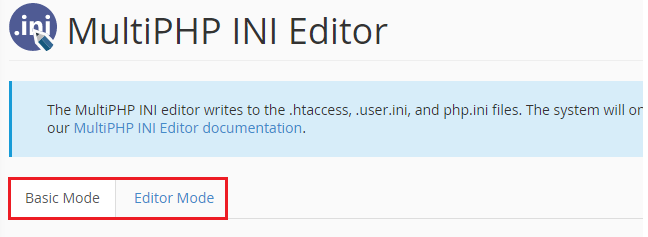
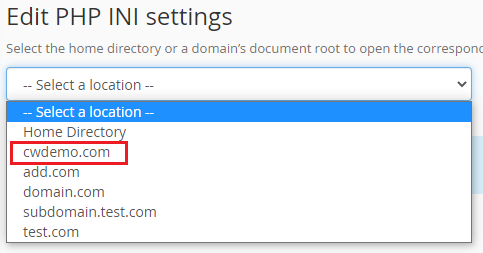
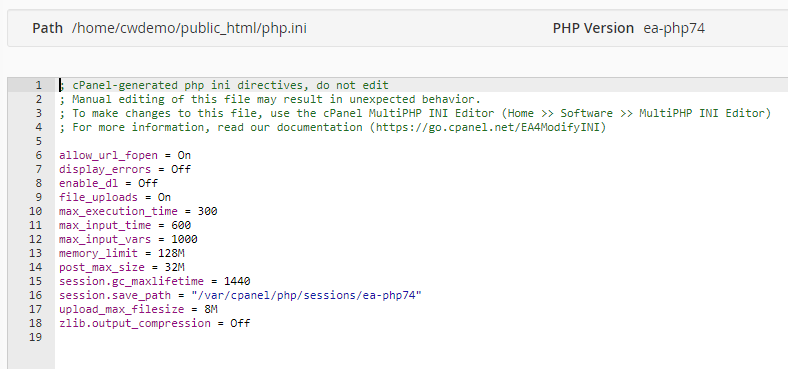
In this guide, we will explain to you how to use cPanel’s MultiPHP INI Editor to edit the editor mode. Editor Mode makes custom PHP configuration updates per domain a breeze.
Proceed with the instructions to utilize cPanel’s MultiPHP INI Editor for editing the Editor Mode.
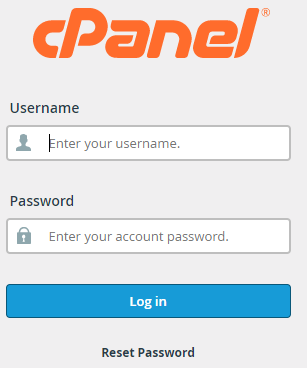
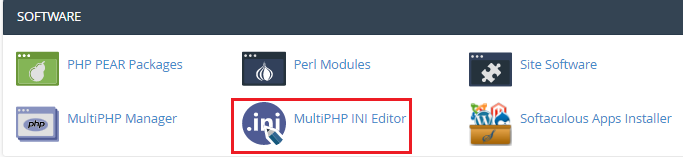
This way you can easily use cPanel’s MultiPHP INI Editor to edit the editor mode. For more information contact our support staff. Also, don’t forget to check out our latest bodHOST KBs.

Explore more hosting insights, tips and industry updates.
One way to understand SharePoint requires an understanding of what it can do for you…
The differences between Hyper V and VMware are important to understand when choosing the right virtualization platform for…
VHFFS is a set of tools to manage a web hosting platform initiated by pooled…