

How to Configure Professional Email on iPhone or iPad
Setting up your professional (custom domain) email on your iPhone or iPad allows you to…

This tutorial will show you how to enable Shell Fork Bomb Protection using WHM.
What is Fork Bomb?
A fork bomb is software that causes a system to run out of memory, causing it to malfunction. To fill the memory, it forks processes indefinitely. A fork bomb is a type of denial-of-service (DoS) attack that targets a Linux system.
After a successful fork bomb has been launched into a system, it may be impossible to return to normal functioning without rebooting the system, as the only way to defeat a fork bomb is to eliminate all instances.
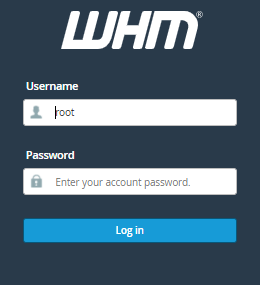
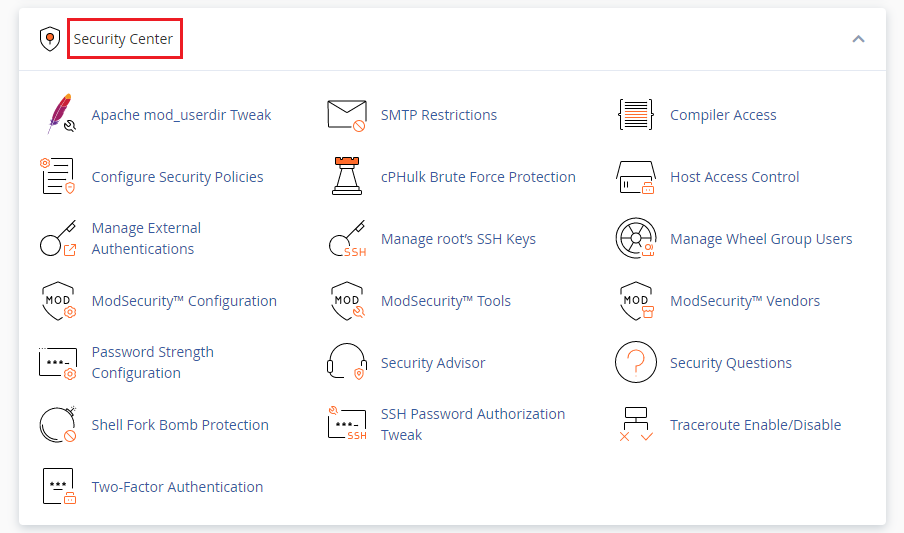
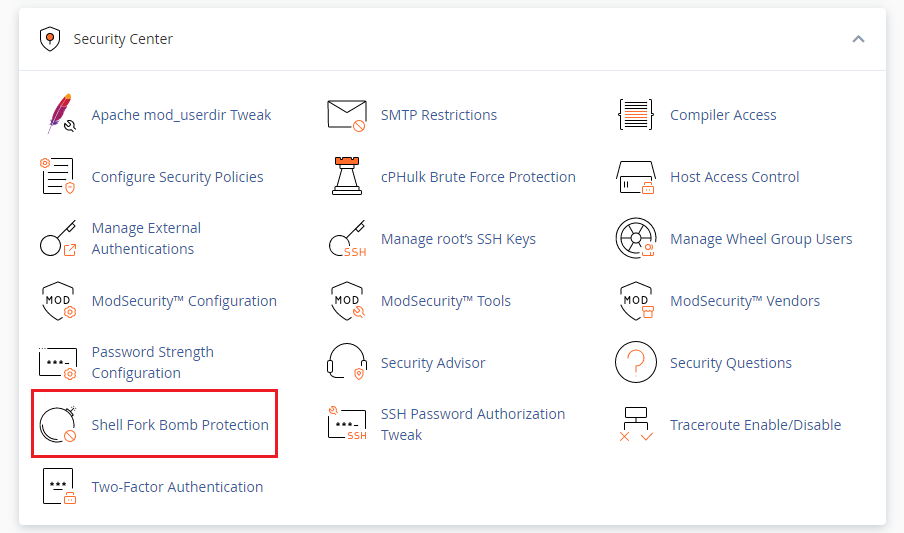
Follow the following steps to Enable shell fork bomb protection
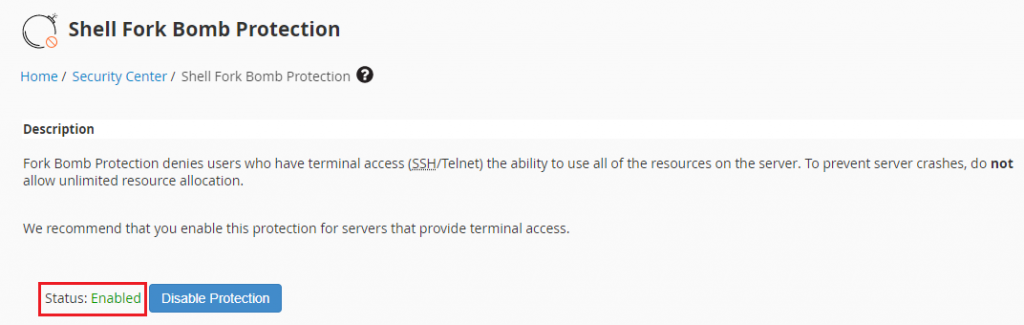 Once you click on the “Enabled” Option, You will see it has been enabled.
We hope that you now have a good understanding of How to Enable Shell Fork Bomb Protection Via WHM. If you continue to have problems with the protocol outlined above, please contact the bodHOST Team.

Explore more hosting insights, tips and industry updates.
Setting up your professional (custom domain) email on your iPhone or iPad allows you to…
The my.cnf file is the main configuration file for MySQL. It defines server parameters, client…
In this article, we will show you how to change your hostname using SSH. Normally,…